How to Digitize Old Wedding Photos and Preserve Them for Years
Old wedding photographs hold some of the most meaningful memories in a family. They capture people, emotions, traditions, celebrations, and details that can become difficult to preserve over time. Printed photographs can fade, develop scratches, or become damaged by moisture and handling. Digitizing them creates a convenient digital copy that can be stored, backed up, shared, and restored when needed.
Whether your wedding photographs are kept in an album, a shoebox, or in a cupboard, it is possible to digitize all of them and store the digital copies for a long time. In this guide, we’ll explain how to digitize old wedding photos, the best scanning methods, how to improve scanned images, and how to safely store your digital wedding memories.
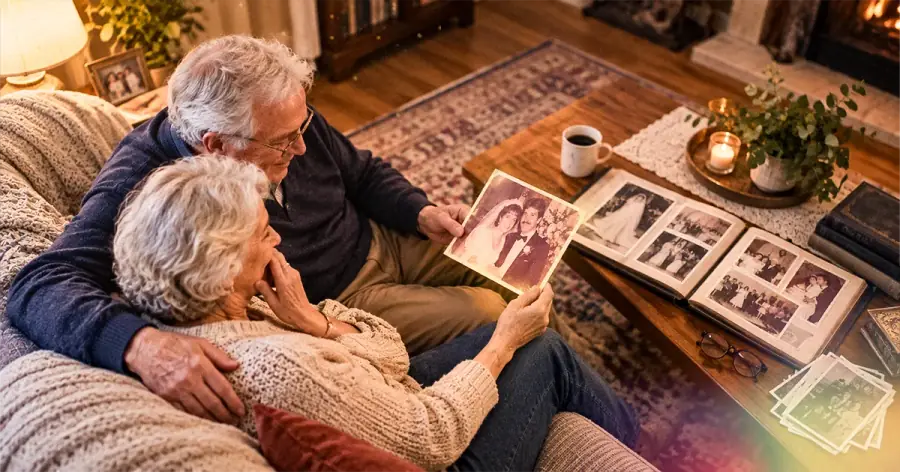
What Does It Mean to Digitize Old Wedding Photos?
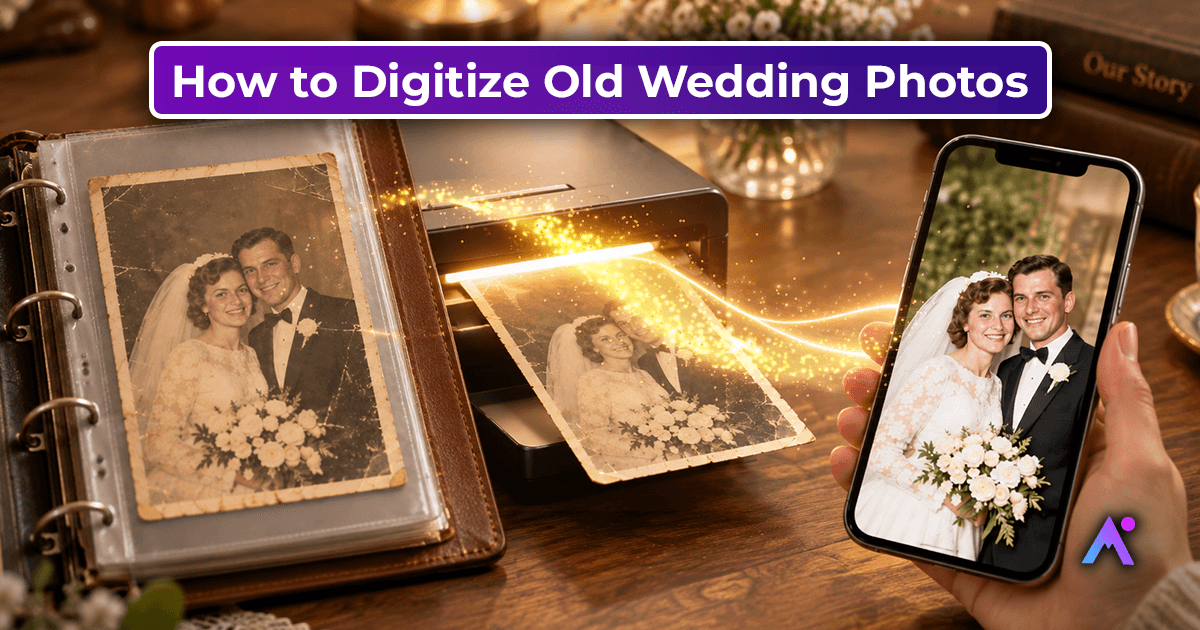
Digitizing old photos means creating digital copies of printed photographs, usually by scanning or photographing them.Instead of keeping your memories only as printed photographs, you create digital copies that can be stored on a computer, external drive, cloud storage, or other digital devices.
Once digitized, your old wedding photos can be:
- Stored and backed up for long term access
- Shared easily with family members
- Added to digital albums
- Printed again whenever needed
- Restored using photo editing or AI Platforms
- Used to create slideshows and family videos
- Backed up to prevent permanent loss
Digitization does not mean replacing the original photographs. Ideally, you should keep the original prints in a safe, dry location while using digital copies for everyday viewing and sharing.
Why Should You Digitize Old Wedding Photos?
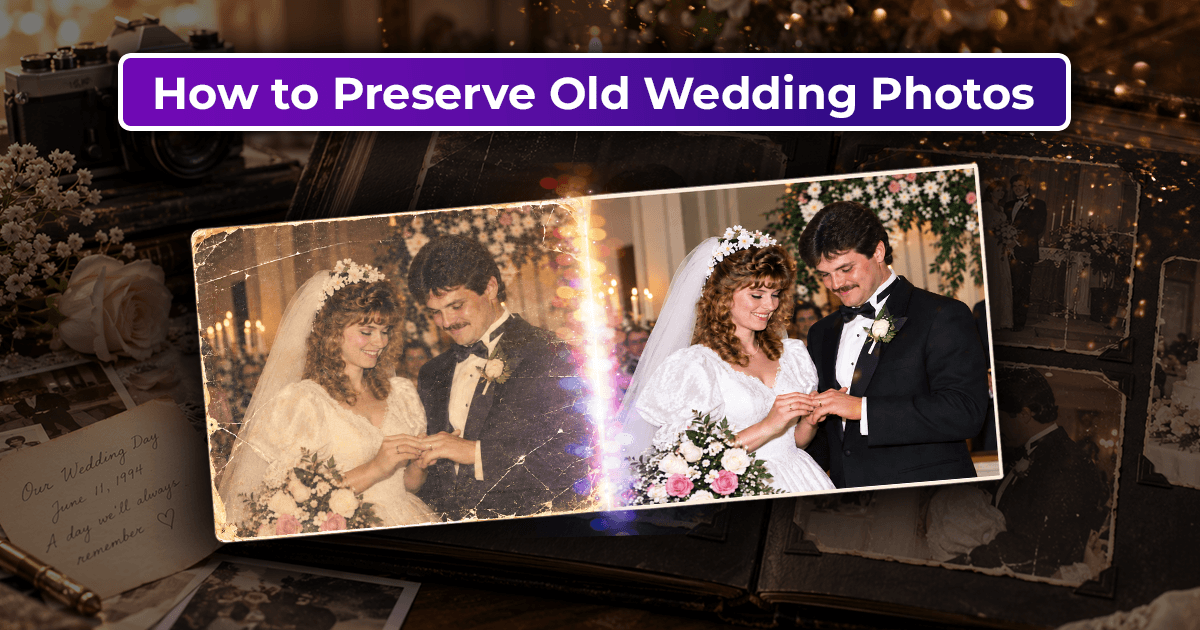
Wedding photographs can deteriorate naturally over time. Paper prints may lose their original color, while older photographs can develop stains, tears, scratches, and other imperfections.
Here are the reasons why you should digitize your old wedding photos.
1. Protect Photos from Physical Damage
Printed photographs can be affected by light, humidity, dust, handling, and accidental damage. Digitizing them gives you a separate copy that can be backed up and accessed without repeatedly handling the original print.
A digitized copy provides a backup that can still be accessed if the original print is damaged or lost. If the original printed copy is exposed to light, it may lose its rich colors and become more susceptible to breaking. With a digitized copy, A high quality scan can preserve much of the visual information in the original print, while keeping the physical photograph safely stored.
2. Preserve Family History
Wedding photos are not only pictures of the people and the events but the reflection of the entire family history. Parents, grandparents, relatives, and friends appearing in these photographs may no longer be around. By digitizing the old wedding photos, you ensure that the memories are preserved for generations to come and that the legacy will not be lost.
3. Easily Share Memories
Instead of bringing the photo album to your relative’s house, you can simply share the digital copy of the wedding photo via messaging or email and provide an easy way to view and share the photograph.
4. Restore Aging Photographs
Restoration tools can help improve visible damage and enhance the appearance of a digitized photograph. Photo restoration tools can help reduce visible damage such as dust, scratches, fading, and uneven color in a digitized image.
5. Create New Memories
Once the photographs are digitized, families can create digital albums, anniversary slideshows, photo books, memory videos, or gentle photo animations.
How to Digitize Old Wedding Photos
Step 1: Gather and Organize Your Old Wedding Photos
Before scanning anything, collect all your wedding photographs in one place.
If you have multiple albums or boxes, organize the photos by:
- Wedding events
- Date
- Family members
- Location
- Ceremony
- Reception
- Pre-wedding events
Handle photographs by the edges and avoid unnecessary handling of fragile prints.
Step 2: Clean the Photos Carefully
Any loose dust or dirt on the surface of the photograph may appear as spots on the digitized copy, so it is important to remove them before proceeding to the next step. Use a soft brush or another recommended photo cleaning tool and gently remove the dust from the surface of the image. Avoid using any liquids or harsh materials for cleaning old photos.
If a photograph is extremely fragile, cracked, stuck to an album page, or showing signs of chemical damage, as they will know' to 'consider professional digitization, as specialists can assess and handle fragile photographs more safely.'
Step 3: Choose the Right Digitization Method
There are several methods of digitizing old photographs. Some of them are described below:
Use a Flatbed Scanner
The flatbed scanner, professional service, and smartphone comparison is valuable.
The flatbed scanners allow you to precisely set the resolution for scanning, and a flatbed scanner can produce high quality scans with consistent results. When digitizing wedding photos, it is better to use a high resolution to capture every detail of the image, giving you more creative freedom in the future stages of photo editing.
For important wedding photographs, scanning at a higher resolution is generally preferable because it gives you more flexibility for future editing and printing.
Use a Photo Scanning Service
If you have hundreds or even thousands of photos to digitize, you may want to consider a professional photo scanning service.
Professional services can often handle large collections and may offer additional options such as:
- High-resolution scanning
- Color correction
- Photo restoration
- Dust and scratch removal
- Digital file organization
- Multiple file formats
Use a Smartphone
A smartphone can also be used to digitize photographs when you need a quick and convenient solution.
However, it may be challenging to use it for obtaining high-resolution images. A smartphone camera may struggle with lighting, glare, perspective, and much more. That is why it is better to entrust the digitization process to Smartphone capture can work well for quick digitization when the photograph is flat, evenly lit, and positioned correctly. Position the recommendation as a quality tradeoff.
Step 4: Select an Appropriate Resolution
Resolution is an important part of digitizing old wedding photos.
For photographs that you simply want to view digitally, a moderate scanning resolution may be sufficient. However, if you plan to restore, enlarge, crop, or reprint the photographs later, scanning at a higher resolution is beneficial.
Higher resolution is useful when the reader may crop, restore, enlarge, or reprint the image later.
For example, a small wedding photograph may look fine on a phone screen but require much more detail if you later want to create a large anniversary print.
Step 5: Save Your Photos in High-Quality Format
When digitizing wedding photos, don't rely only on compressed images.
JPEG files are convenient for everyday sharing because they are relatively small and widely supported. However, when you digitize old wedding photos, you will want to have access to the original high-quality file as well. It is always better to have the original copy of the digitized image before making any changes to it.
Consider distinguishing a master file from a sharing copy. The reader should retain a high quality master and create smaller JPEG copies for everyday sharing.
As for organizing the digitized photos, consider using the following system:
Wedding Memories → 1985 Wedding → Ceremony → Reception → Family Photos
Use descriptive file names instead of generic names such as IMG001.jpg.
For example:
1985_Wedding_Ceremony_Family.jpg
This makes your digital archive much easier to navigate.
Step 6: Retouch the Photos
Now, it is time to retouch the digitized wedding photos. Modern technology offers excellent tools for photo retouching, such as removing scratches, eliminating dust, enhancing contrast, improving colors, reducing the noise on the images, and more.
Step 7: Keep Both Original and Restored Versions
One of the most important rules when digitizing old wedding photos is never overwrite your original scan.
Create separate copies.
For example:
- Wedding_Original_Scan.jpg
- Wedding_Restored.jpg
Another essential tip is not to overwrite your original scans. Always work with the original scan copy when you want to edit the digitized photo. In this way, if you decide that the edited version does not meet your expectations, you will be able to re-edit the original scan.
This is particularly important when using AI restoration tools because different restoration settings can produce significantly different results.
Step 8: Back Up Your Digitized Photos
After spending time digitizing your wedding photographs, don't store them in only one location.
A good backup strategy can include:
Copy 1: Computer
Copy 2: External storage device
Copy 3: Secure cloud storage
Multiple backups reduce the risk of losing your digital archive because of device failure, accidental deletion, or physical damage.
You can also keep a separate copy with a trusted family member if the photographs are particularly valuable.
Step 9: Share the Memories with Your Family
Once your old wedding photographs have been digitized, it is time to share them with your loved ones and enjoy the memories.
You could create:
- Create a private photo album for family
- Make a digital scrapbook
- Share the digitized images on social media
- Create an anniversary slideshow or video collage
- Make a photo book or a wedding memory video
- Store the digitized wedding photos for your children and grandchildren
You can also add names, dates, locations, and short descriptions to photographs. This information can make the collection much more valuable to future generations.
Common Mistakes to Avoid When Digitizing Old Wedding Photos
Digitizing old photographs sounds simple, but a few mistakes can reduce the quality of your digital archive.
Scanning at Very Low Resolution
Low-resolution scans may not contain enough detail for future restoration or printing.
Keeping Only One Copy
A single hard drive or phone is not a reliable long-term backup strategy.
Editing the Only Original
Always preserve an untouched master scan before applying restoration or enhancement.
Using Harsh Cleaning Methods
Old photographs can be delicate. Avoid household cleaners or aggressive rubbing.
Ignoring File Organization
Hundreds of files with names such as photo1, photo2, and photo3 can become difficult to manage.
Relying Only on Social Media or Messaging Apps
Sharing old photos on social media or messaging apps is convenient, but these platforms may compress images and reduce their quality. Finding or retrieving older photos in the future can also become difficult if accounts, chats, or platforms change. Always keep the original high-quality files safely stored in your family archive, along with your edited or animated versions.
How AI Can Help Preserve Old Wedding Memories
Once old photographs have been digitized, AI tools can help families restore, enhance, and creatively reuse them. AI based restoration can help reduce visible damage, improve clarity, and correct certain color or contrast issues. Photo animation tools can also turn a still photograph into a short animated memory by generating subtle movement.
Animation should be presented as a creative interpretation of the photograph, not as a recreation of what actually happened in the original moment.
For families who want to take their digitized photographs a step further, Animate Memories can transform selected still images into shareable animated memories.
Final Thoughts
Learning how to digitize old wedding photos is an important step toward preserving family memories. By scanning photographs carefully, keeping high quality digital copies, maintaining multiple backups, and restoring images when appropriate, you can make these memories easier to access and share for years to come.
Your wedding memories deserve more than a place in an old album. Preserve them, share them, and give future generations a way to experience the stories behind them.
Ready to bring an old wedding photo to life? Explore Animate Memories and turn selected family photographs into memorable animated moments.