The Complete Guide to AI Photo Animation

Every photograph is a frozen moment — but the people in it were never frozen. They smiled, blinked, laughed, and moved. AI photo animation is the closest thing we have to reopening that moment: it takes a single still image and synthesizes natural motion, turning a dusty portrait into a living memory.
What is AI photo animation?
AI photo animation uses generative video models that have been trained on millions of real human movements. When you upload a photo, the model analyzes the face, body pose, and background, then generates a short video clip where the subject moves naturally — turning toward the camera, smiling, blinking, or performing a chosen action.
The magic isn't in the pixels — it's in the motion. A subtle head turn or a genuine smile changes how we feel about a photograph forever.
How it works in three steps
- Upload your photo. Any image works, but sharp, front-facing photos with good lighting give the best results.
- Choose a template or write a prompt. Templates like "Warm Hug" or "Happy Dance" describe a complete action; custom prompts let you describe any movement you can imagine.
- Generate and download. The model renders your animated clip in under a minute, ready to share or keep forever.

Choosing the right source photo
- Face the camera. Frontal or slightly angled faces animate most convincingly.
- Good lighting. Even, soft light lets the model see the facial features it needs to track.
- Decent resolution. The higher the resolution, the more detail the animation can preserve — our restore tool can upscale old scans first.
- One clear subject. Group photos work too, but single-subject portraits produce the most lifelike motion.
Templates vs. custom prompts
Templates are curated prompts that have been tuned to look natural — great when you want a reliable, beautiful result in one click. Custom prompts are the creative sandbox: describe an action, a mood, or an entire scene, and the model will do its best to bring it to life.
Pro tips for natural results
- Start with gentle motions — subtle head leans and soft smiles age much better than extreme poses.
- Keep faces well-lit; shadows can cause flicker.
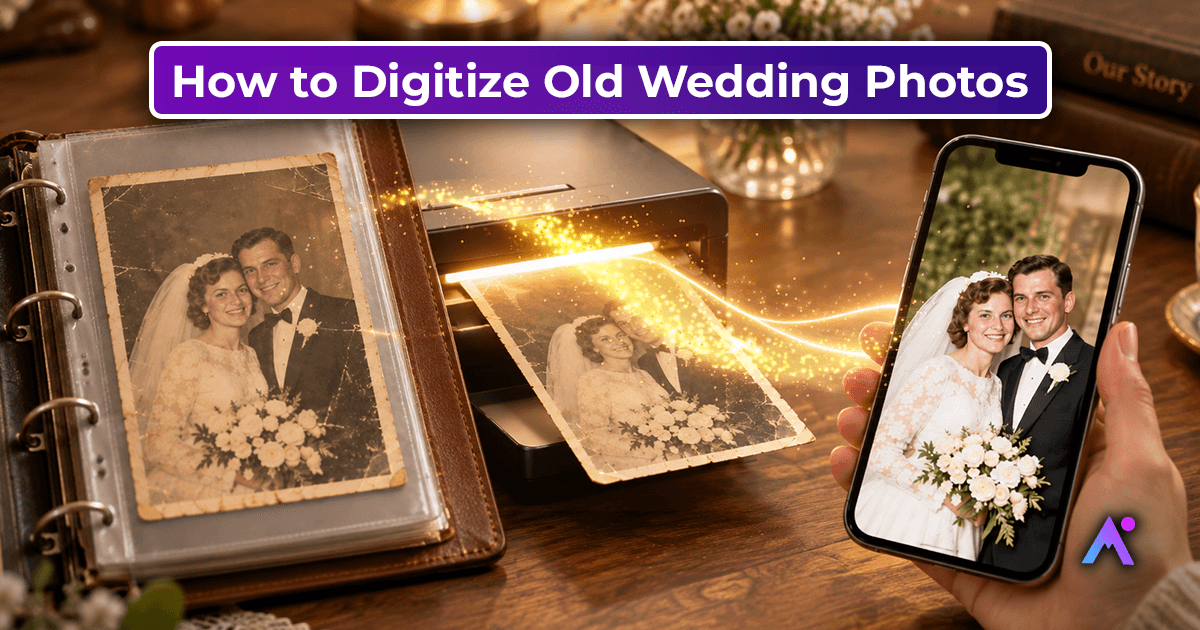
- For damaged photos, run restore first, then animate the cleaned result.
- Experiment with quality tiers — HD and Ultra HD add detail that matters when you zoom in.
Ready to try it?
You can animate your first photo in minutes. Upload an old portrait, pick a template, and watch a memory move again — it's free to get started.