Creating a Digital Memory Album for Alzheimer’s Patients
Memories are an important part of our identity. For people living with Alzheimer's disease, familiar photographs, family stories, and meaningful experiences can provide opportunities for connection and conversation. Although Alzheimer's disease can affect memory and communication, familiar photographs and stories can give families meaningful opportunities to connect and talk together.
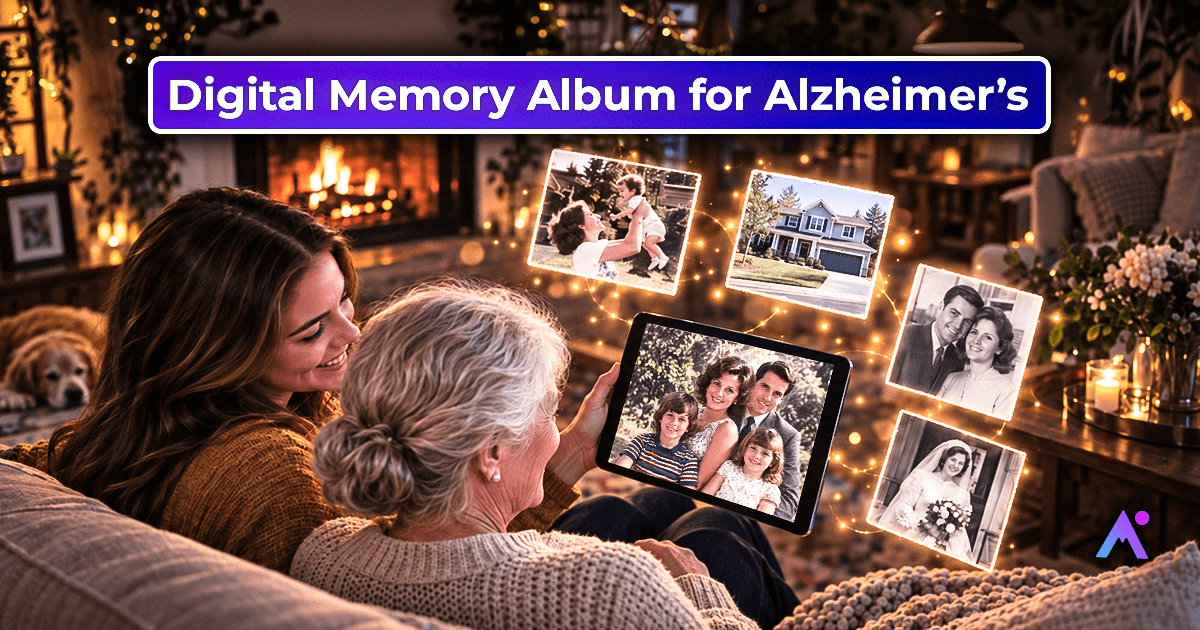
Creating a digital memory album can give families a simple way to collect and share photographs, stories, music, and other meaningful memories in one place.
A digital memory album differs dramatically from a traditional photo album, as it is a compilation of photos, videos, music, and even personal messages. The best part is that one can enjoy the familiar and comforting moments of the beloved ones at their own pace.
A digital memory album is not intended to test memory or reverse memory loss. Instead, it can offer a gentle way to revisit meaningful experiences, support conversations, strengthen family connections, and celebrate a person's life story.
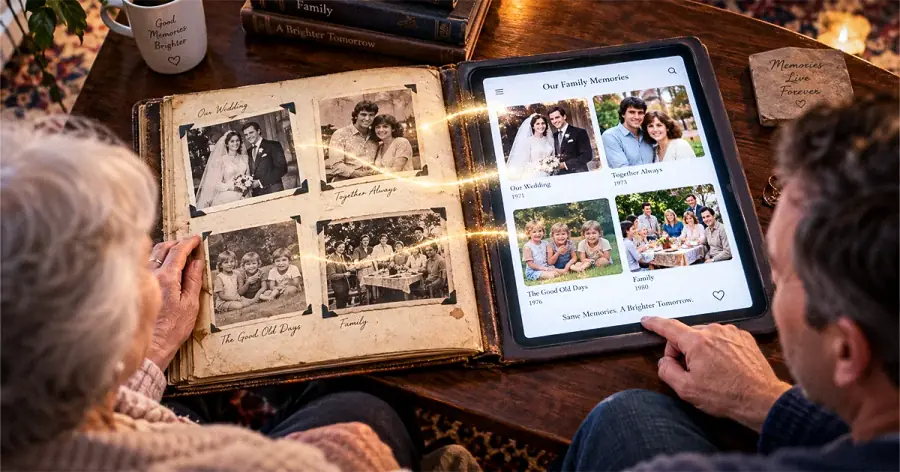
What Is a Digital Memory Album?
A digital memory album is an electronic collection of photographs, videos, audio recordings, and personal stories organized around a person's life experiences.
For someone living with Alzheimer's disease or dementia, the album can include:
- Childhood photographs and school memories
- Wedding pictures and family celebrations
- Photographs of children, grandchildren, and close friends
- Pictures of familiar homes, hometowns, and favorite places
- Favorite songs and meaningful voice recordings
- Personal stories connected to important life events
The album can be viewed on a tablet, computer, smartphone, or digital photo frame. Families can personalize it according to the person's interests, background, and comfort level.
How a Digital Memory Album Can Support Connection and Reminiscence
1. A Great Way to Encourage Conversations
Photos and videos are helpful to spark conversations with the patients. For example, a photograph from a wedding, childhood, or a familiar family home may spark a story, feeling, or personal connection. A family member can respond with an open ended question or simply share an observation to encourage conversation.
Instead of turning the interaction into a memory test, family members can make gentle observations, such as, "This looks like a lovely family celebration," or "I love the colors in this photograph."
The goal is to enjoy the interaction rather than expect the person to remember every detail.
2. Supports Reminiscence Activities
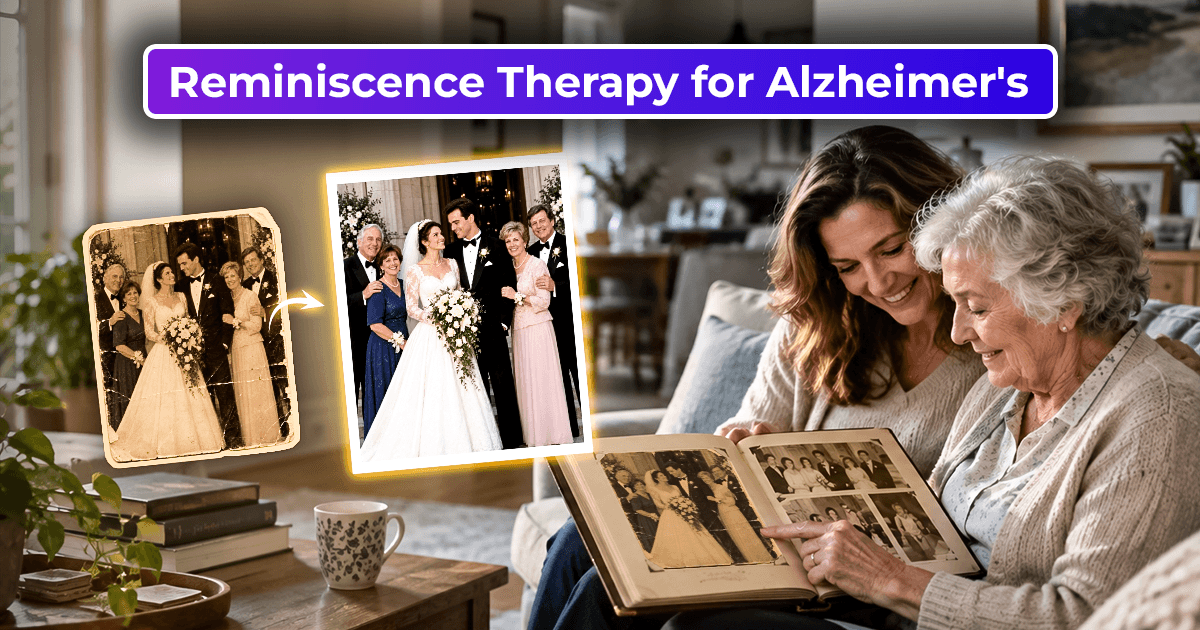
Reminiscence activities involve exploring meaningful experiences from the past through photographs, music, familiar objects, and storytelling.
A digital memory album can make these activities easier by keeping personal memories organized in one place. Families and caregivers can select a few familiar photographs and spend time looking at them together.
The album can be used regularly as part of relaxed family conversations or reminiscence activities. To encourage interaction and even sstrengthen the connection between caregivers, family members, and their loved ones. While reminiscence activities are beneficial, every patient has unique likes and dislikes.
3. Preserves Precious Family Memories
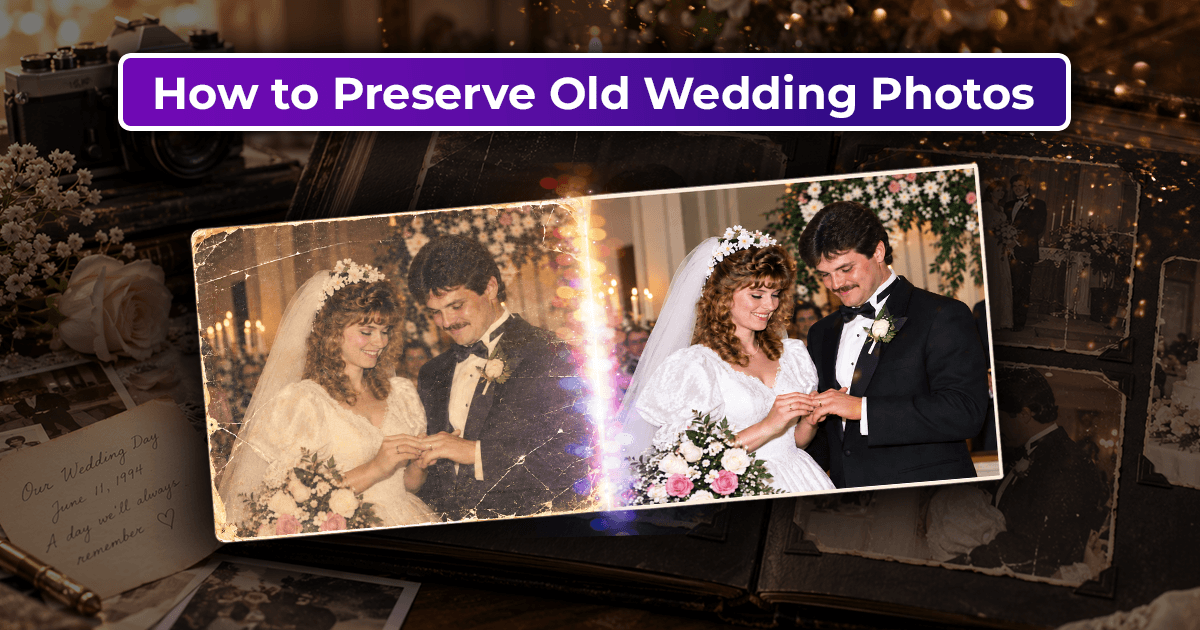
Many families keep old photographs stored away in boxes, drawers, or closets. These photographs can hold valuable stories and details about a family's history. Moreover, they contain valuable information such as the time and place where the picture was taken and who was present. By digitizing photographs, one can keep them secured and organized for future generations.
Families can add names, dates, locations, and short descriptions to photographs, making it easier to preserve important details for future generations.
4. Creates Opportunities for Family Bonding
A digital memory album is a fantastic opportunity to share time with the family while creating a meaningful, personalized collection of photographs, videos, audio, and messages for the patient.
Everyone in the family can contribute, from children and grandchildren to siblings and other relatives. As such, the album becomes a tool to help express love and appreciation for the patient. It can also give grandchildren an opportunity to spend meaningful time with their grandparents and share family stories.
How to Create a Digital Memory Album for Alzheimer's Patients?
Creating a digital memory album is as simple as choosing your favorite photos and arranging them in chronological order. A few simple steps can help families build a meaningful collection of memories.
Step 1: Gather Old Family Photographs
Start by collecting photographs from different stages of the person's life. Ask family members to contribute pictures from childhood, school, marriage, holidays, family gatherings, and other important occasions.
Do not forget to write captions: name the people in the photos, the place and the year the photo was taken, etc. Avoid putting too many photos on one page, and do not overload the album with too many categories. Keeping the album simple can make it easier and more comfortable for the person to explore.
Step 2: Digitize and Restore Old Photos
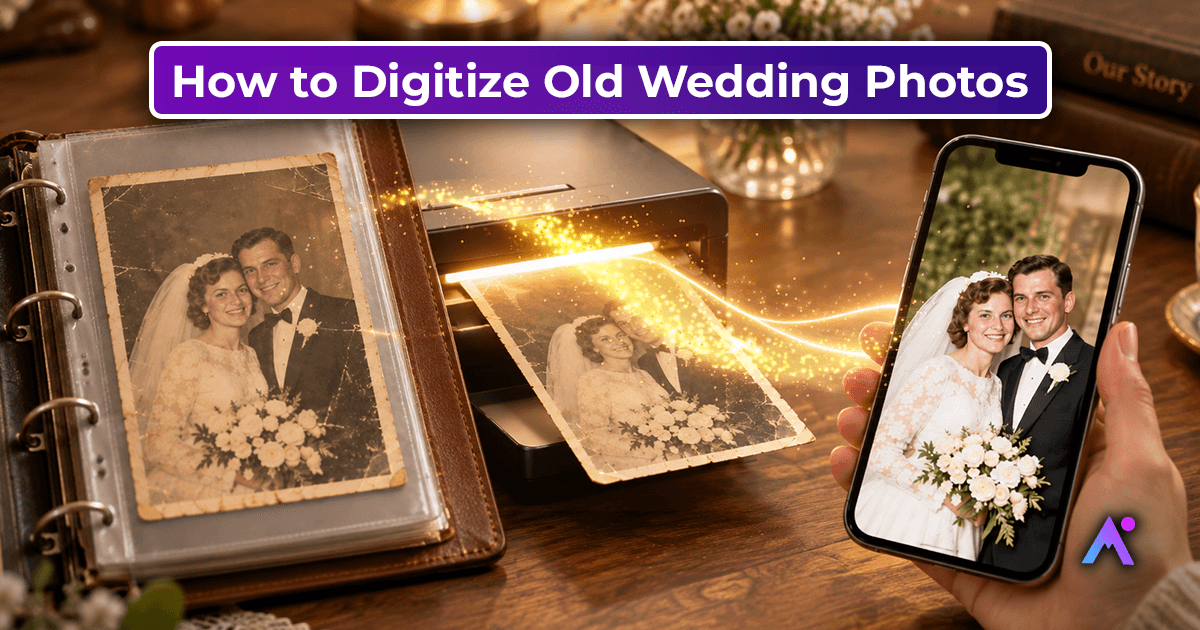
Most of the family photos are in paper form, so you may need to scan them. Also, some photos may be in bad condition, so you will need to restore them with photo restoration software.
You can use photo restoration or editing tools to improve damaged photographs. Choose tools that are easy to use and can handle the type of restoration your images need. Once the photographs have been digitized and restored, make sure the results remain recognizable and comfortable for the person to view.
Step 3: Organize Photos Into Meaningful Categories
Arrange photographs into simple categories that reflect the person's life and interests.
For example:
- Childhood and school days
- Wedding and married life
- Family celebrations
- Children and grandchildren
- Favorite places and hobbies
- Favorite music and traditions
You can also organize pictures chronologically or create separate albums for different family members. Use short, clear captions with names and relevant details.
Step 4: Add Music, Voice Recordings, and Stories
A digital memory album can become more personal when photographs are paired with familiar songs, voice recordings, and family stories. Family members can record short messages or stories connected to the people, places, and moments shown in the photographs.
To make the digital memory album engaging and interactive, add your favorite songs, stories, and voice messages. You can also record familiar voices of the patient's grandchildren, children, and other relatives. A digital memory album can also be a great place to store stories about the event in the photo, important details, and personal memories.
Step 5: Choose an Easy-to-Use Digital Platform
A digital memory album can be watched on a computer, a digital picture frame, or a tablet. You may want to choose a larger screen to make the photos more visible and readable.
It is advisable to Keep the interface simple, with clear navigation and minimal distractions. Avoid unnecessary buttons, pop-ups, or complicated menus that could make the experience confusing. The last thing you want is for the patient to get confused by the complicated interface.
Tips for Using a Digital Memory Album in Daily Care
A digital memory album can be included in everyday family interactions or reminiscence activities.
- Keep sessions relaxed: Spend a few minutes looking at photographs without rushing.
- Follow their interests: Let the person choose which pictures they would like to explore.
- Avoid memory quizzes: Do not insist that they identify people, dates, or locations.
- Respect emotional responses: Some photographs may bring up difficult feelings. Move to another picture if needed.
- Make it personal: Include familiar names, favorite places, and meaningful life experiences.
Every person with Alzheimer's disease has different needs and preferences. Some may enjoy talking about photographs, while others may prefer quietly looking at them with a loved one. There is no need to force conversation or correct the person if they remember a detail differently.
“Using old photographs in a digital memory album can create opportunities for meaningful moments. Learn more about reminiscence therapy for Alzheimer’s and how familiar memories can support conversations.”
Using AI to Preserve and Animate Family Memories
Today, there are advanced technologies that allow not only to digitize and store old family photos but also to restore them and animate them. AI can now help families restore old photographs and, in some cases, create gentle animations from still images. These tools can make family memories easier to preserve, share, and revisit.
However, animated photographs may not feel comfortable for everyone. Seeing a familiar face move or appear differently from the original photograph may be confusing or unsettling for some people. If you use photo animation, introduce it gradually and stop if the person seems uncomfortable.
When creating a digital memory album for an Alzheimer's patient or their family, you may want to try these modern editing tools. However, keep in mind that animated photos may be disturbing for some people, especially when the image is moving on its own and the facial expressions of the people on it have changed. Try using such technologies sparingly and only if the patient feels comfortable with them.
Conclusion
A digital memory album can bring photographs, music, stories, and family voices together in one meaningful collection. For someone living with Alzheimer's disease or another form of dementia, familiar memories can create opportunities for connection and conversation.
The goal is not to test what someone remembers. It is to create moments of comfort, recognition, storytelling, and togetherness.
With thoughtful curation and a simple, comfortable experience, families can preserve meaningful memories and continue sharing them across generations.
A digital memory album can be used in interaction with Alzheimer's patients and serve as an object of reminiscence activities. Creating such an album is also a great family activity that strengthens relationships and helps preserve family memories in the digital environment.