How to Animate Old Pictures with AI?
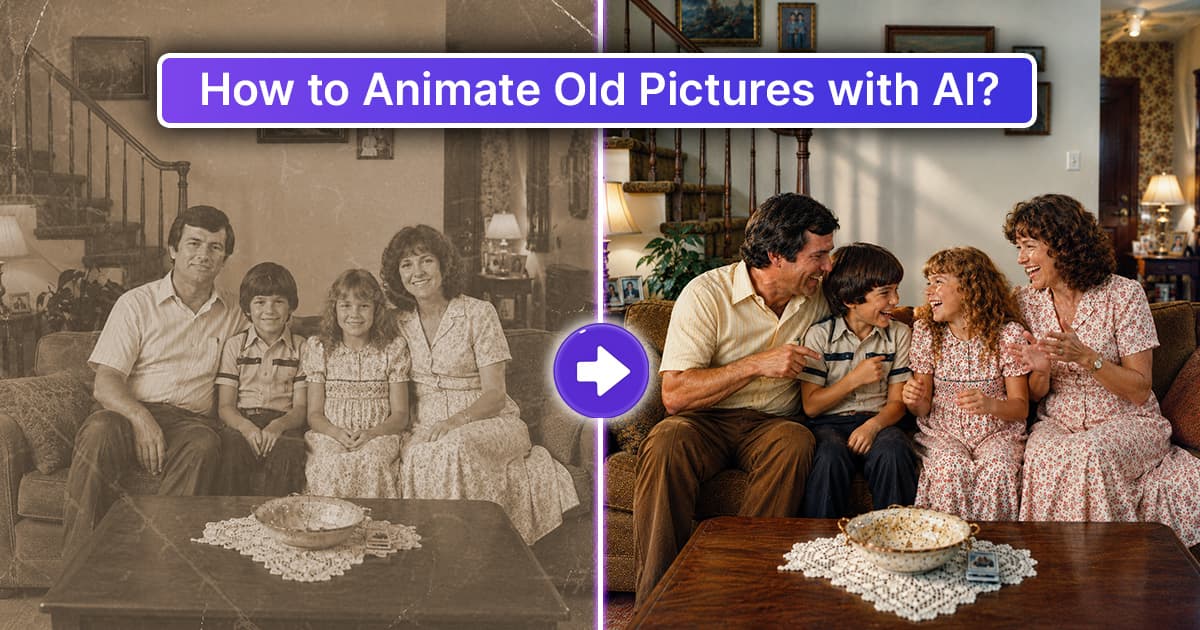
A childhood smile, family gatherings, weddings, and memorable moments are captured in old pictures. Taking a moment to look at these pictures can bring those memories back to the forefront and lift your spirits. With modern AI technology, you can turn a still picture into a subtle moving memory.
Animate Old Pictures with AI.
AI photo animation can give old pictures subtle movements, such as blinking, head movement, facial expressions, and even gentle camera motion. These memories can take on a new life, giving you a chance to relive them for a brief moment.
AI Photo Animation
AI photo animation uses AI-powered software to transform still photographs into short animated videos. The AI analyzes facial features, body positioning, and background elements to create a short video.
A still picture of a person can be transformed into a short video showing subtle movements, such as blinking, smiling, or gently moving the head. AI can also add natural movement to the surrounding background.
AI photo animation does not replace or change the original memory. Instead, it offers a new way to experience and revisit it.
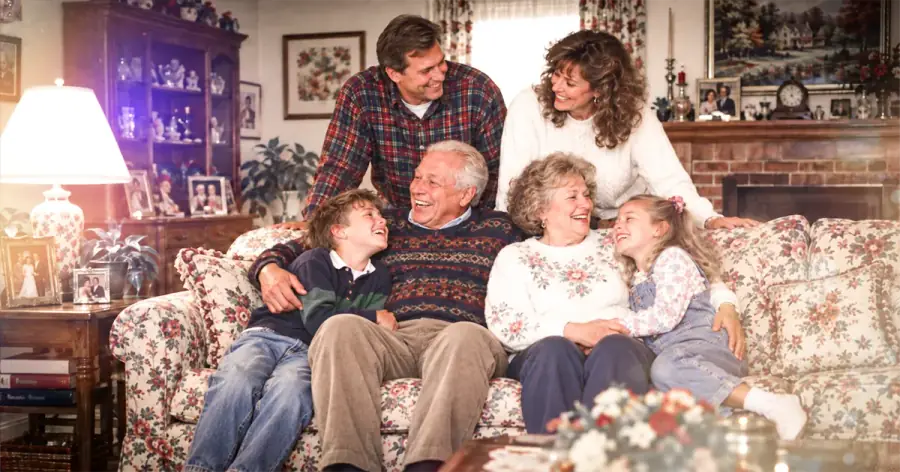
How AI Creates Movement in Old Pictures
Animating an old photo with AI is simpler than ever. With the right photo and an AI animation tool, you can create subtle movement without professional editing skills.
1. Choose an Old Photo
Start with a photo that holds special meaning for you.
Examples include:
- Photos from your school days
- Old wedding photos
- Family portraits
- Photos of grandparents
- School pictures
- Old family photos
If you have a damaged photo, you may want to spend time improving the quality of the photo, even if that may include restoring it, before you animate it.
2. Digitize the Photo
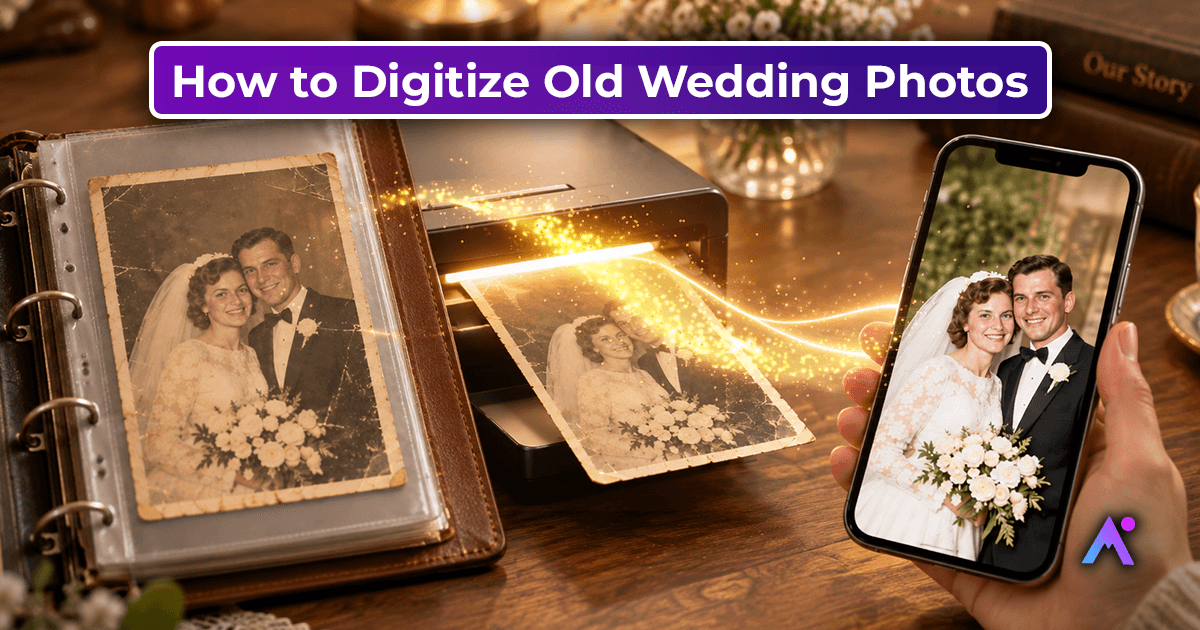
If you have a physical printed photo, scan it, or treasure it by taking a high-quality phone photo of it (take out any blur, reflections, or stray light).
AI is very good at still recognizing photos with a lot of visual information, so try to get a high-quality scan.
3. Restore the Old Photo
If your old photo is damaged or faded, consider restoring it before animating it. Photo restoration is optional, but improving the image quality can help produce better animation results.
Keep in mind that excessive editing can make the photo look less authentic and may remove some of its original character.
4. Upload Photo to AI Animation Tool
Choose an AI-based photo animation tool and upload your photo. Explore the available options and choose a tool that offers natural-looking movement, especially for portraits.
5. Select Natural Movements
For the strongest emotional connection, try to choose the most natural-looking movements.
Instead of dramatic movements, consider subtle effects such as:
- Gentle blinking
- A small smile
- Natural head movement
- Subtle breathing
- Soft camera movement
- Light background movement
- Light Background movement
The goal is to create an authentic-looking animation with excessive movement minimized.
6. Preview and Adjust
AI-generated facial animation does not always look natural. Damaged or blurry photos can produce unnatural results.
Preview the result and try different animation options to see what feels natural. Long or overly dramatic movements can make the animation feel less believable.
7. Save and Share Your Memory
When you are happy with the natural-looking photo, save it as a video. You could save it to remember privately or share it with family.
Animated family photos can add a personal touch to family history projects, digital albums, memorial videos, and personal stories.
Why Animate Old Family Photos?
Animation can bring a moment from the past to life, giving families a new way to remember the people and moments they cherish.
It is a new way to preserve family memories for future generations. By animating old family photos, children and grandchildren can experience their family history in a modern format.
For example, instead of showing a still photo, you can give the photo gentle movement to show a grandparent many years ago. It may not bring the past back, but it will feel more present.
Improving AI Photo Animations
The more clearly the subject's face is visible and the more evenly the photo is lit, the better the AI animation is likely to be. It also helps to avoid photographs with partially obscured faces, extremely blurred photos, or photos with faces in unnatural positions.
The animations also should not be too flashy. The more natural the movement, the better the animation can preserve the original feeling and emotion of the photograph.
AI should not replace the original photos. Instead, it should complement them by offering new and creative ways to experience and preserve memories.
Final Thoughts
Today, with user-friendly AI photo animation tools, transforming a family photo into a short moving memory is simpler than ever.
AI photo animation provides a new way to revisit family history and keep cherished memories alive for future generations.