The Easiest Way to Turn Old Photos into Moving Memories with AI
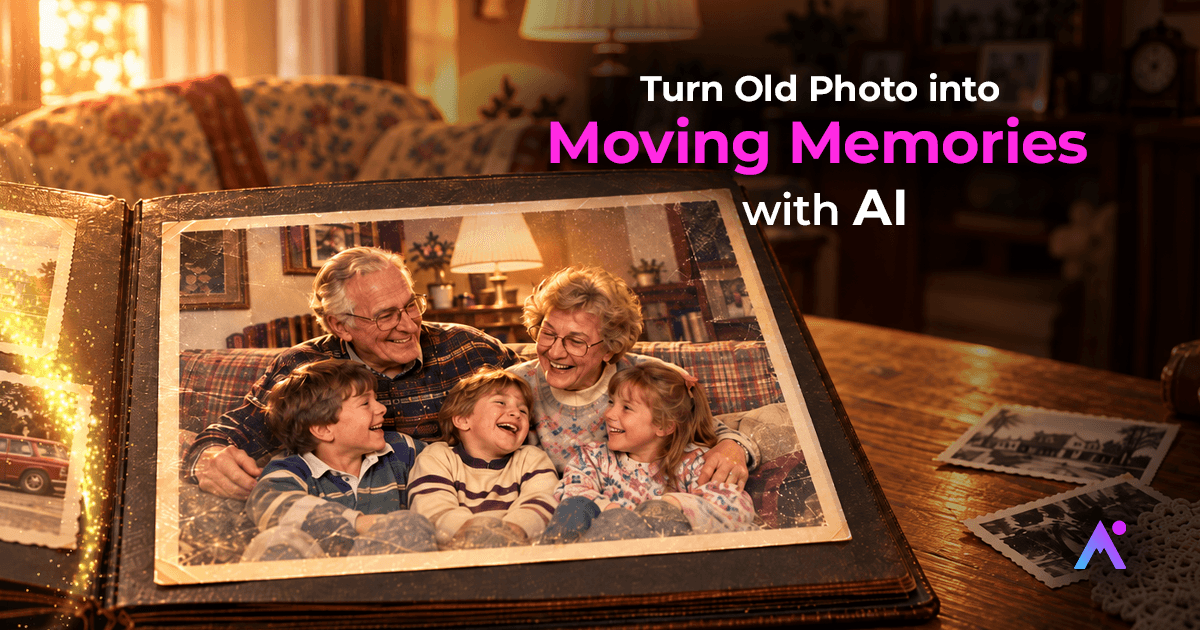
Vintage photographs possess a certain unique ability to revive the past. A blurry family portrait will make you recall your grandparents, childhood photographs will bring you memories, and vintage wedding pictures will tell about the special day. The photographs will allow you to cherish your memories which cannot be recreated, but only seen as still pictures till recently.
Today, artificial intelligence is changing the way we experience those memories. With AI photo animation, you can turn old photos into moving memories by transforming a static image into a short animated video. The process is simple, creative, and accessible even if you have no experience with video editing.
What Does It Mean to Turn Old Photos Into Moving Memories?
Transforming an old photograph into moving memories implies the application of the AI technologies to make your photographs come alive. The AI studies all the visual components of the photograph, such as faces, expressions, and positioning, and creates motion based on it.
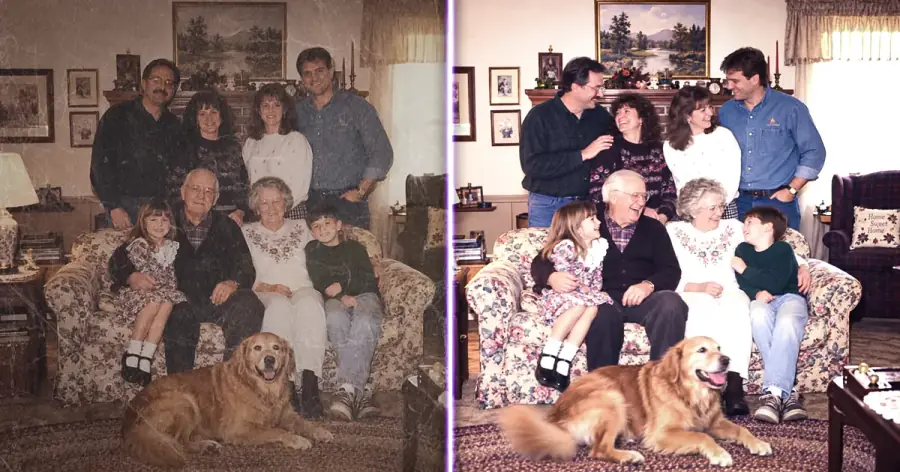
In case of old family photographs, the animation implies subtle movements of faces, head movements, or other natural movements. As a result, a person gets a short video which revives an old photograph.
Remember that AI animation does not recreate a real recording of that particular moment. Instead, it creates a creative reinterpretation of the photograph. The old photograph stays an authentic memory, while AI brings a new experience of viewing.
Why Use AI to Animate Old Photos?
There are many reasons why people want to use AI to transform old photos.
Bring Family Memories to Life
Old family photographs usually remain inside the photo albums, drawers, or digital folders for many years. Animation of selected photographs will give you a new perspective on these memories.
An old picture of your grandparents, parents, siblings, or yourself may turn into a moving clip which will feel more interesting than an old photograph.
Capture Important Moments in Digital Form
Old photos can be blurry, scratched or damaged over the years. The creation of the digital copy helps you to save an image, while animation adds another format.
You can save both an old photograph and its animation as parts of your digital family archive.
Creating Personalized Videos Based on Memories
Pictures can be animated and complemented with music, texts, and transitions creating unique videos. For example, one can create a tribute for a birthday or anniversary, a story about the history of his or her family, or a memory of somebody.
Besides creating static slides, you have an opportunity to create a set of moving pictures.
How AI Makes an Old Photograph into a Movie
In most cases, the algorithm is rather simple and includes several stages. First, one needs to choose the old photograph that he or she wants to animate. It should be a clear picture featuring visible faces.
Second, one needs to upload the picture to the photo animation tool powered by AI. AI studies the picture and identifies important features including faces and their positions.
Then one chooses an animation style or provides detailed description of how he or she wants it to look like. AI analyses the picture and creates a movie.
Finally, one previews the results and saves the animation.
Is It Possible to Create an Animation from a Damaged Picture?
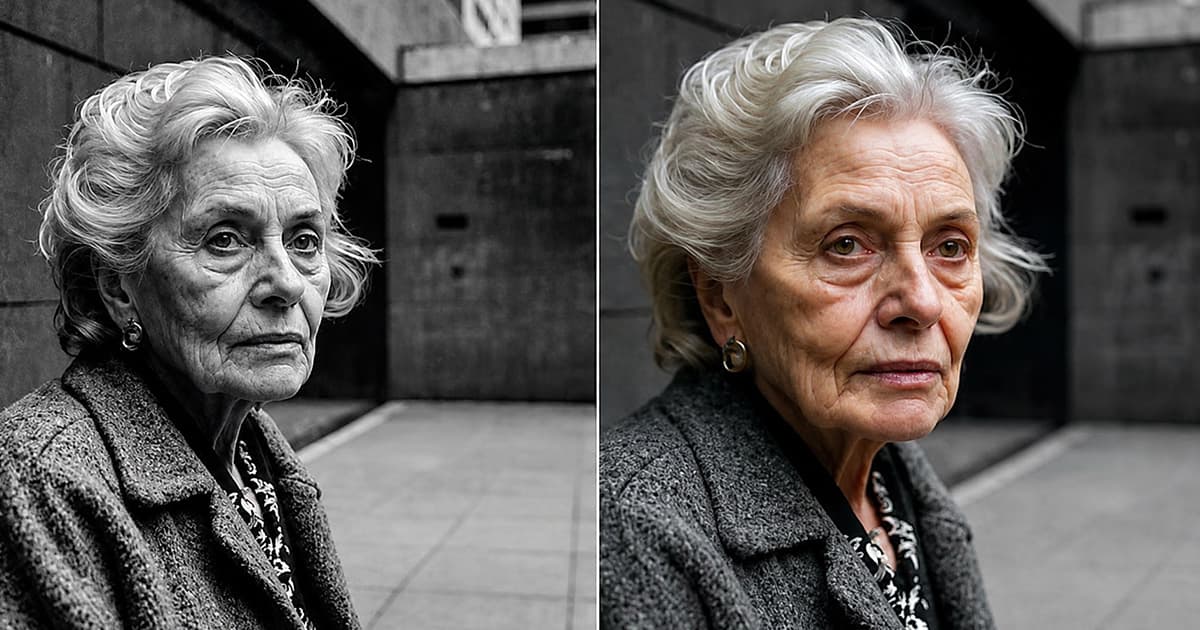
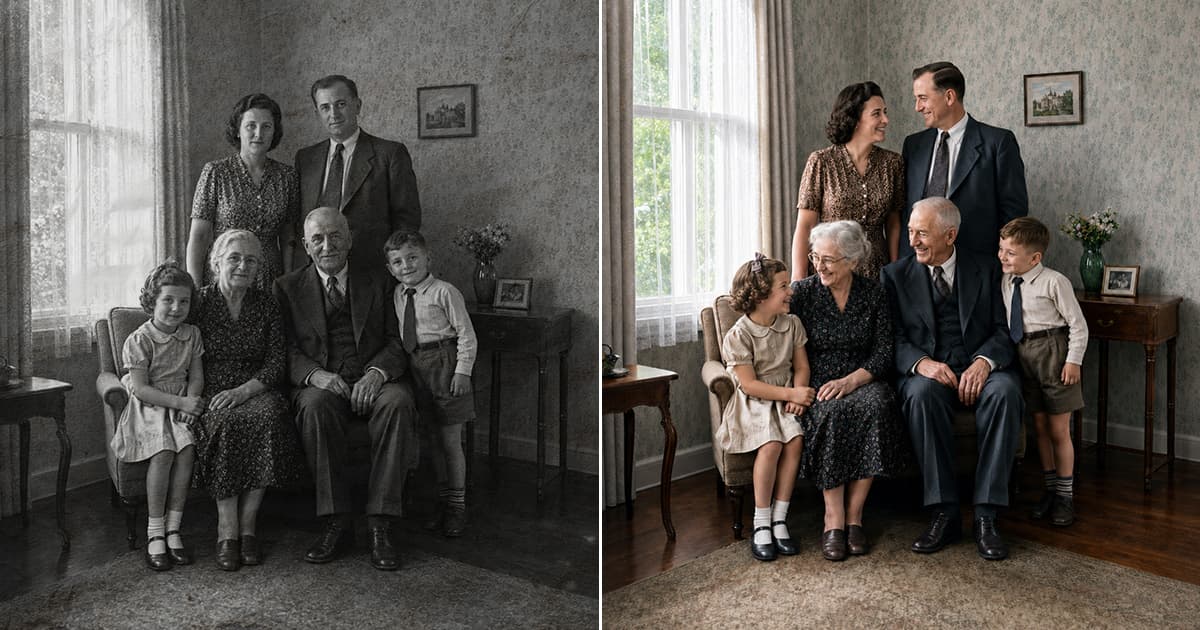
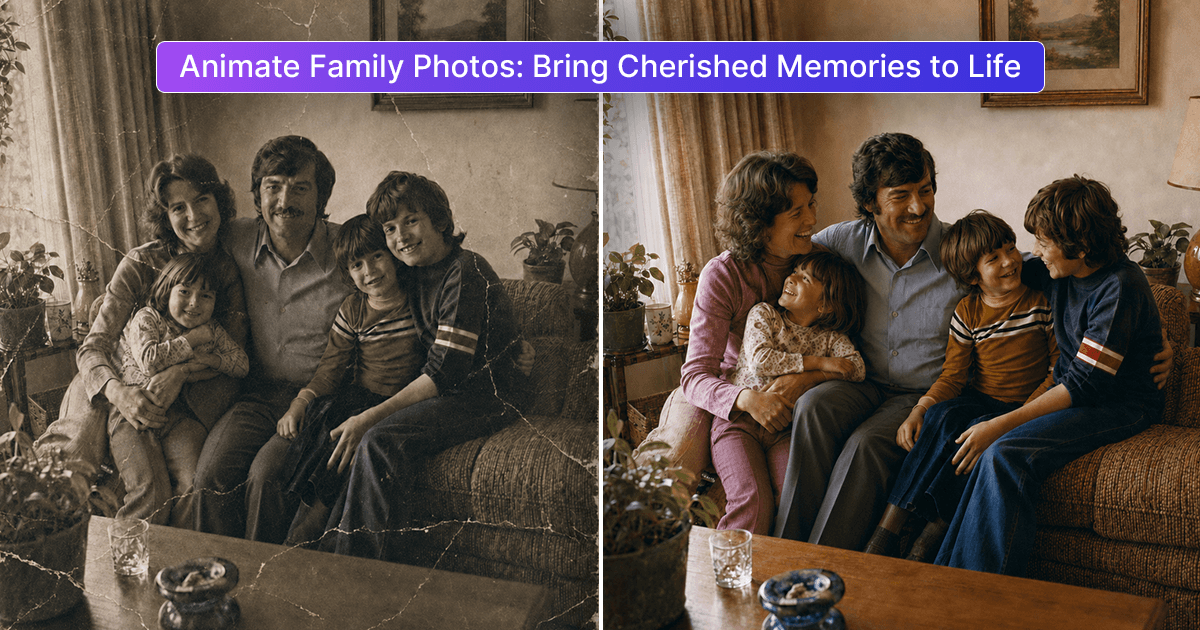
Yes, but heavily damaged and poor-quality images can provide worse results. If the old photograph is scratched, dusty, stained, faded, blurry or of poor resolution, it is best to restore the picture before animating it.
Artificial intelligence technology allows enhancing the picture and partially repairing it. Then it is ready for the next stage – creating a photo animation.
This means that one can use the following workflow:
Restore → Enhance → Animate → Share
Combining restoration and animation is especially valuable in case of old family photographs which have been stored for years. If you want to know how to restore photos, then u Must Read this Blog : What Is AI Photo Restoration? Complete Guide
Tips to Make Your AI Animated Old Photos Great
Quality of the source image influences the end result. To get better animations, follow these simple tips:
- Use the highest-quality photograph that you have.
- Choose pictures where faces are clearly visible.
- Restore severely damaged photographs before animation.
- Don't use extremely blurred or compressed pictures.
- Start with natural-looking movements.
- Save the copy of the source picture.
- Preview the animation before posting it online.
For family memories, it is more attractive to use natural looking movements.
Creative Ways to Use Moving Memories
After you animate your old photograph, you will have lots of options.
You can create an animated family album which will include significant photographs of various generations.
Old photos make great gifts for birthdays, anniversaries, family reunions, holidays and any other special occasion. A set of significant photographs can be united in a short video and can be sent privately to family members.
In case you are planning to post your animated photo on the Internet, keep in mind privacy concerns of all the people depicted in this image.
A New Way to Experience Old Memories
The animated photos made with AI technology do not replace the emotion that old photos give people. This technology gives people one more chance to experience memories kept in photographs.
The photograph captures the moment, while AI photo animation technology adds an extra creative touch making people able to see old photos from another perspective.
Whether you have old portrait of the whole family, old wedding picture, or some childhood photograph, transforming these photos into moving memories can become a unique digital work.
Final Thoughts
Using old photographs to create moving memories with the help of AI becomes more creative and easier. You do not need professional animation skills and expensive editing program. Using proper photograph and the help of AI, you will be able to turn a still photo into animated video.