How Do I Animate an Old Photo?
How Do I Animate an Old Photo? A Simple Guide to Bringing Old Pictures to Life
The memories captured in the old photos are priceless and hard to replicate. Memories of your grandparents, childhood days, your wedding, and family reunions can be revived through the old photos. But can't you just breathe life into those pictures? With the help of today's AI technology, it becomes possible to animate your old photo and create a video clip out of it.
Have you ever thought about How Do I Animate an Old Photo? The method is simple and easy to perform. With the help of modern AI tools for photo animation, the software will analyze your photo, identify the facial features, and make them animated by giving some natural movements to them.
This article will help you understand how to bring an old photo to life, what materials you will need for this work, how AI photo animation works and how you can improve your result.
What Is Meant by Animating an Old Photo?
Animating an old photo implies the use of technologies, including artificial intelligence, which allow adding some dynamics to a still picture. This means that instead of observing a photograph as a static image, you get a short video in which certain elements of the picture start moving.
For example, there may be an old family portrait, on which all people are absolutely static. With the help of AI photo animation, you can add such nuances as facial expressions, eye blinking or head movements to this photo.
It should be noted that the aim is not always to obtain a realistic video. Very often, the aim of this process is to make an old photo alive but keep its spirit.
How Can I Bring an Old Picture to Life?
The simplest thing to do is to utilize an AI photo animation software. The procedures used by most online software applications are the same.
Step 1: Select an Old Photo
Firstly, select the picture you intend to animate. The quality of the picture often influences the outcome.
Suitable pictures are:
Family photos
Childhood photos
Wedding photos
Vintage photos
Photos of grandparents
Black-and-white photos
Historic photos
School photos
In case your picture is damaged, fuzzy, or faded, you could consider editing it first.
Step 2: Scan or Upload the Photo
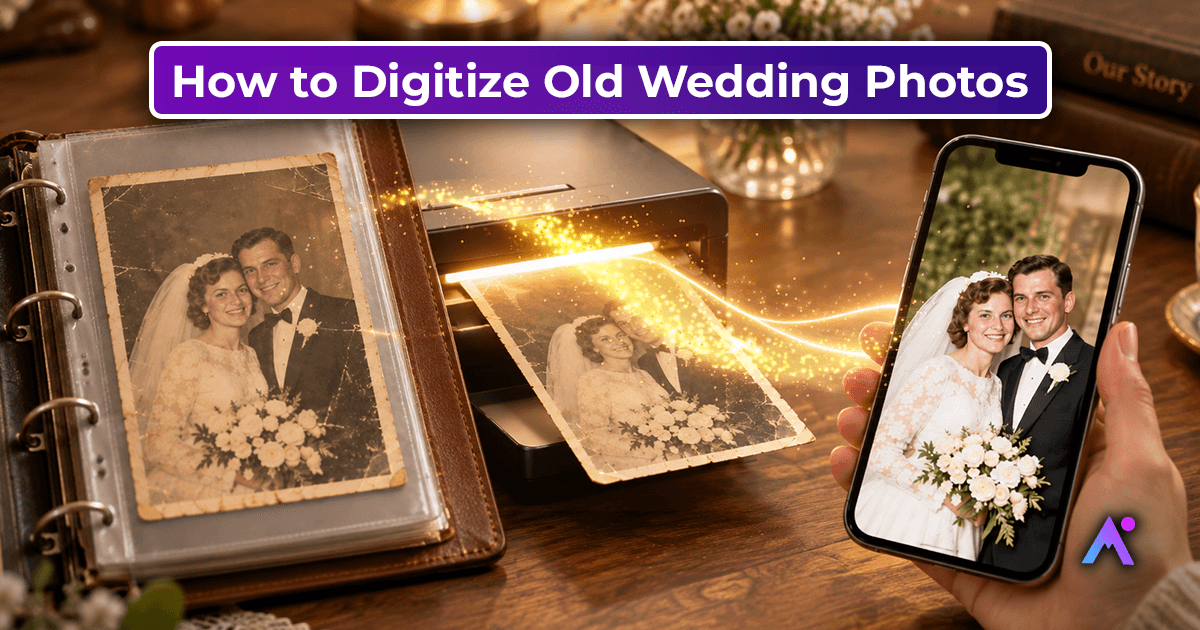
If your photograph is printed on paper, then scan or take a good quality photo using your smartphone.
Please avoid:
Reflections in the image
Shadows in the face
Dark lighting
Extremely blurry images
Cropped faces
The better the source photo image, the more details the AI can use.
Step 3: Upload the Image to the AI Animation Website
Select the AI image animation website and upload the image.
Depending on the website selected, you will be able to see various options such as:
Conversion from photo to video
Facial expressions
Movement of the head
Image enhancement
Photo restoration
Various animation templates
Select the effect that corresponds to the kind of photograph used.
Step 4: Allow the AI to Analyze the Photograph
After uploading the picture, the AI analyzes the photograph.
It might detect:
Face
Eyes
Mouth
Facial shape
Head pose
Borders of the photograph
Other visual features
Then the system uses all this data to generate movement while trying to keep the same look of the original photograph.
Step 5: Generate the Video
Having picked up the desired parameters, initiate the video generation process.
The AI creates a short video clip from the picture. The processing time will differ according to the photo, style of the animation, platform used, and the server load.
Step 6: Preview the Result
Preview the video animation before downloading or sharing.
Watch out for:
Realistic face movement
Distorted features
Strange eyes movement
Facial identity changes
Background distortion
Unrealistic motion
If the result seems not satisfactory, change the style of the animation or use another higher-quality picture.
Step 7: Download and Share
Having been satisfied with the result, save the animated photograph as a video and share it with your family or friends.
Animated photos can have a significant value being shown on birthdays, anniversaries, family events, memorial projects, or other occasions.
Can I Animate a Broken or Old Picture?
Yes, although the quality of the original photo might affect the result of the process.
An old photo can include:
Scratches
Rips
Dust
Faded color
Missing parts
Blurry faces
Low resolution
If the face is not recognizable enough, the system will lack data for processing.
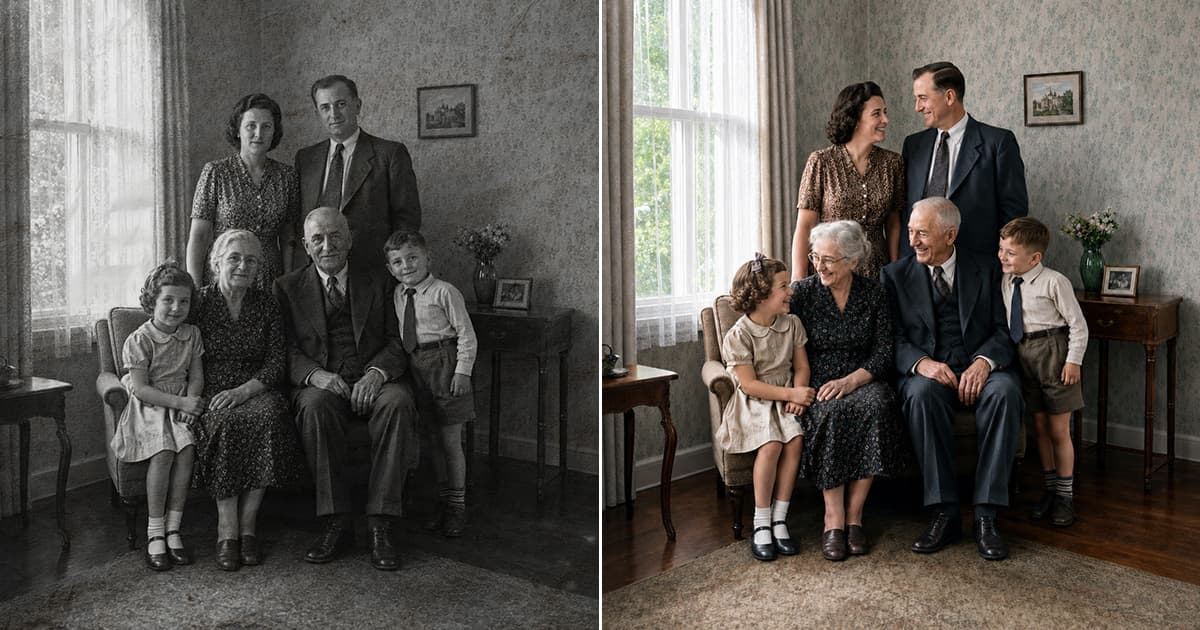
It's better to restore an old picture first to make the process easier. Some AI tools can sharpen the image, repair visible damage, increase contrast, or revive the faded image.
Steps to take:
Old photo → Restore → Enhance → Animate → Download
This technique can be helpful for vintage family photos.
How Does AI Photo Animation Work?
AI-based photo animation works through the processes of computer vision and machine learning algorithms that help to extract visual information from the image.
Once you upload a portrait picture, the system analyzes its landmarks and other features. Then, it creates new frames to animate the portrait.
For instance, there is a photo with a person looking into the camera with eyes wide open. The AI tool will generate the frames that show blinking or movements of the face.
Which Old Photographs Are Suitable for Animating?
Not all photographs yield the same results.
In case of facial animation, those photographs which have these traits usually work best:
Clearly Visible Faces
The photograph should include the clear picture of the person’s face.
Photographs with Person Facing the Camera
It is easier to animate such a photograph rather than one taken from an extreme side angle.
Good Quality Image
The higher quality of the photograph means there will be more data available for AI processing.
No Major Damage
If it is possible, damage like scratches, tears or missing parts should be repaired.
Good Lighting
Reasonable level of contrast and visible facial features.
Can I Animate Multiple People in One Old Photo?
Some AI photo animation tools can work with photographs containing multiple people, while others may focus primarily on one face at a time.
If you have a family photograph with several people, check whether the tool supports multiple faces before generating the animation.
For complex group photos, you may get better results by testing different settings or selecting a specific person if the platform provides that option.
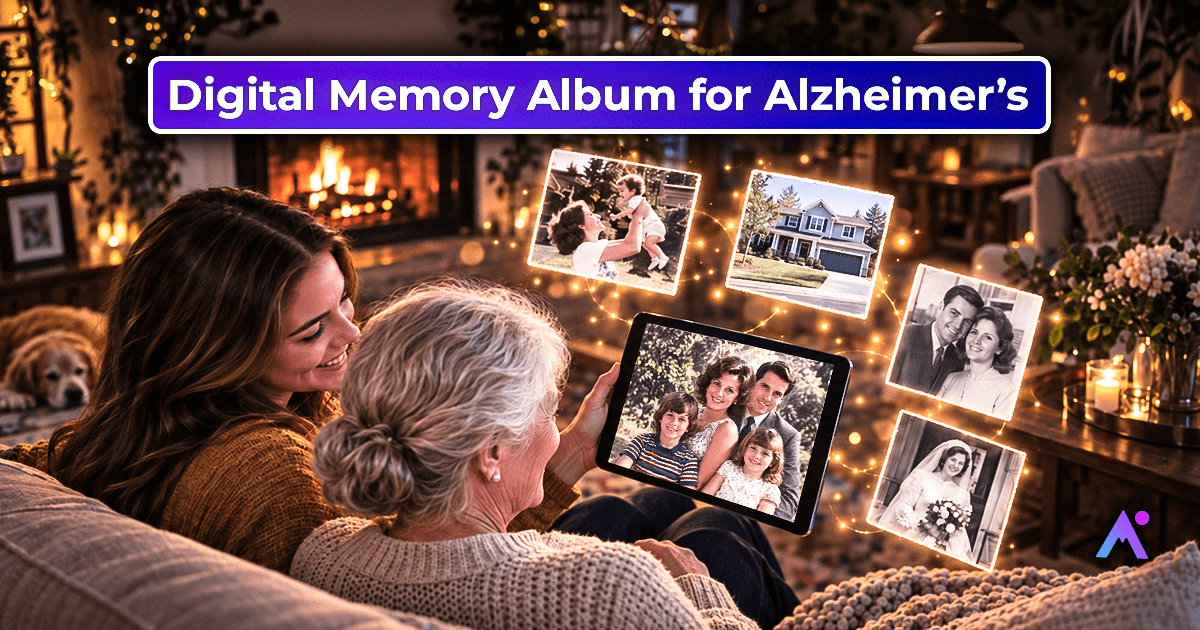
Why Should You Animate Old Family Photos?
Animating an old photograph is more than a technical experiment. It can be a creative way to preserve and share memories.
Preserve Family Memories
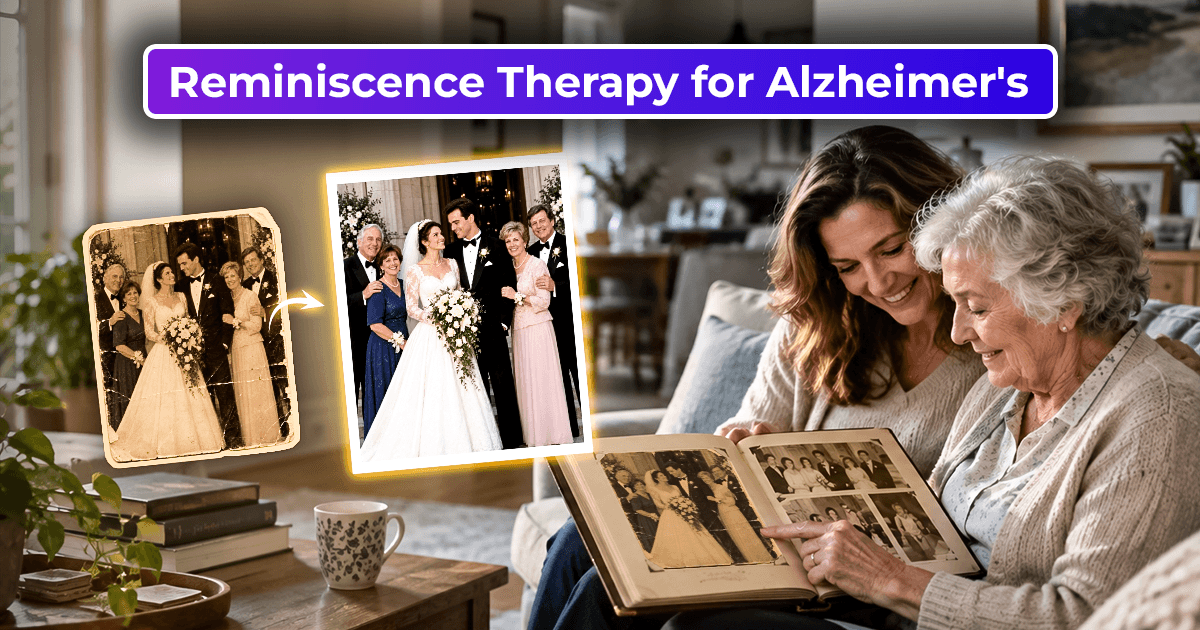
Old photographs can sometimes be the only visual memories of older generations. Animation can provide a new way to experience those images.
Create Personal Gifts
An animated family photograph can become a thoughtful digital gift for birthdays, anniversaries, or other celebrations.
Share Memories Online
Short animated videos can be shared on social media or sent privately to friends and family.
Create Digital Memory Collections
You can combine several animated photographs into a digital family history project.
Tips for Getting Better AI Photo Animation Results
If you want a natural-looking animation, keep these tips in mind.
1. Start With the Best Available Image
Use the clearest version of the photograph you have.
2. Restore Damaged Photos First
If the image is heavily damaged, restoration can improve the source material.
3. Avoid Excessive Editing
Try not to change the person's facial features dramatically before animation. The goal is to preserve the original memory.
4. Test Different Animation Styles
Different photos may work better with different movements. A subtle animation can sometimes look more natural than an exaggerated effect.
5. Keep Expectations Realistic
AI is generating movement based on a still image. It cannot recover every detail that was never captured in the original photograph.
6. Protect Personal Photos
Before uploading family photographs, check the platform's privacy policy and terms. This is particularly important when working with personal or sensitive images.
Animate Old Photos With Animate Memories
If you want a simple way to animate old photos with AI, Animate Memories is designed around transforming static photographs into animated memories. The platform can be used for old family photographs, vintage pictures, and other memorable images.
You can start with an old photograph, upload it, select an appropriate animation option, and generate a moving version of the image. Depending on the photograph, you can also explore restoration and enhancement features before creating the final animation.
This makes the process useful for people who want to turn traditional family photographs into shareable digital memories.
Frequently Asked Questions
How do I animate an old photo for free?
Some AI photo animation platforms offer free trials or limited free generations. Availability, limits, and features can vary, so check the current pricing and usage terms of the platform you choose.
Can I animate a black-and-white photo?
Yes. Black-and-white portraits can often be animated if the face and important details are clear. You can also consider restoring or colorizing the image before animation if those features are available.
Can I animate a photo of my grandparents?
Yes. Family portraits of grandparents can be suitable for AI animation, especially when the face is clear and front-facing. Always consider privacy and family preferences when uploading or sharing personal photographs.
Can AI restore and animate an old photo?
Some AI platforms provide both restoration and animation features. Restoring the image first can be useful when the original photograph contains scratches, fading, blur, or other damage.
How long does it take to animate an old photo?
Processing time depends on the platform, image size, animation type, server demand, and other technical factors. Simple animations may be generated relatively quickly, while more complex processing can take longer.
Final Thoughts
If you have ever wondered, “How do I animate an old photo?”, AI technology makes the process much easier than traditional video editing. You can select an old photograph, improve its quality if necessary, upload it to an AI animation tool, choose an animation effect, and generate a short moving video.