Animate Old Photos Online Free with AI: Full Guide

Old pictures capture some of the most meaningful moments of our lives. A photograph of your grandparents, parents, childhood, wedding, family gathering or special moment from decades ago can contain memories that can never be replaced. But what if you could bring those still images to life again? Animate Old Photos Online & Free with AI
Old photos can be brought to life online today, for free, with today’s artificial intelligence, transforming static images into short, engaging videos with lifelike movement. AI photo animation can add subtle facial expressions, head movements, gestures and other effects to an old photo to bring it to life.
Instead of having your favorite memories stuck in a frame, you can use an AI photo animator to create shareable videos that you can revisit in a completely new way.
What Does It Mean to Animate Old Photo?
Animating an old photo means using artificial intelligence to breathe life into a static image. The original photo is the base, and an AI model analyzes people, faces, objects, and the background to create a short video. Animate Old Photos Online & Free with AI
upload an old family photograph and animate it so that:
Someone smiles softly
Somebody blinks, as is normal
Someone turns their head
Family members wave back
Two people seem to be hugging
Hair/Clothes Shift Slightly
The camera has a little motion effect
People seem to naturally interact
How to Animate Old Photos Free Online
One of the biggest benefits of AI is you don’t have to be a professional video editor. You can often animate old photos right in your browser online.
The basic process is quite simple.
1. Select an old photo
You start with a photo you want to animate. It can be a family portrait, wedding picture, childhood photograph, vintage image or historical picture.
For best results, select an image where the main subject is clearly defined. AI usually has more information to work with from a clearer, better-lit photo.
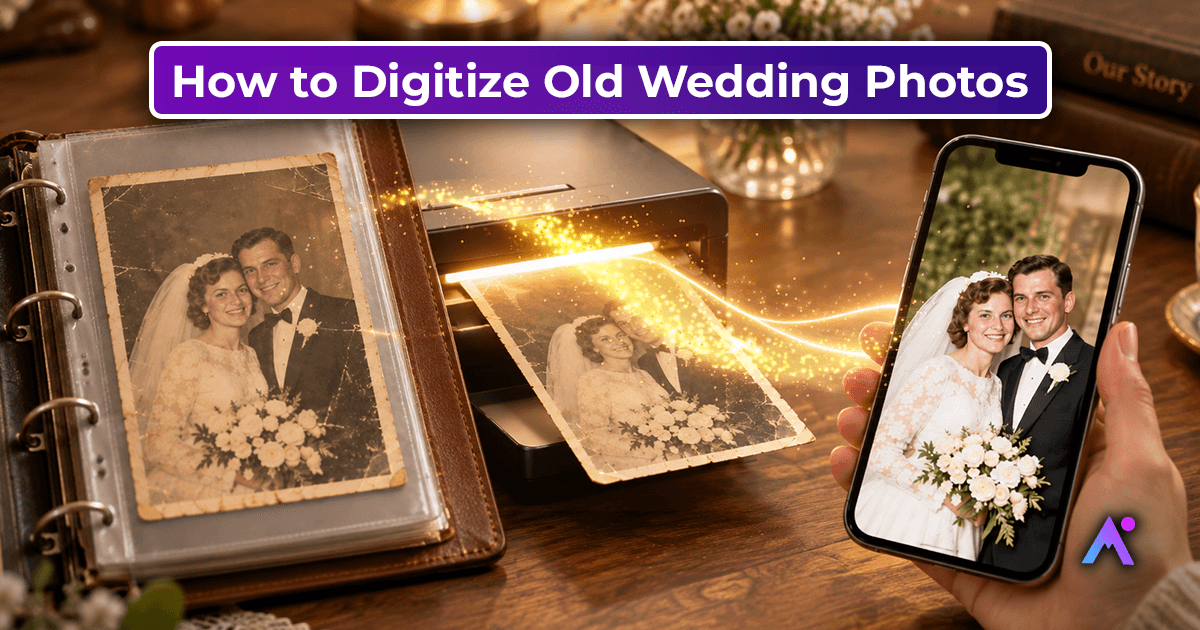
If your image is damaged, faded or of low quality, consider restoring or enhancing it before animating it.
2. Add your photo
Launch an AI photo animation tool and upload your picture. Many online tools support common formats like JPG, JPEG and PNG.
You don't need expensive software or a powerful computer for the AI processing to be done online.
3. Describe the motion
Some AI photo animators let you enter a prompt to tell it what should happen in the video.
For instance:
“The woman smiles gently and slowly turns to the camera.”
Or:
“The family smiles naturally and waves to the camera.”
Short, clear prompts tend to do the trick, as they give the AI a plain description of what kind of movement you want.
4. Create the animation
Once the image is uploaded and the desired movement is selected, start the generation process.
The AI analyzes the photo and generates a short video based on the image and your instructions. Depending on the tool, it can take a few minutes to process.
5. Download and Share
When the animation is ready, check the result. If you like it, download your video and then pass it on to family and friends.
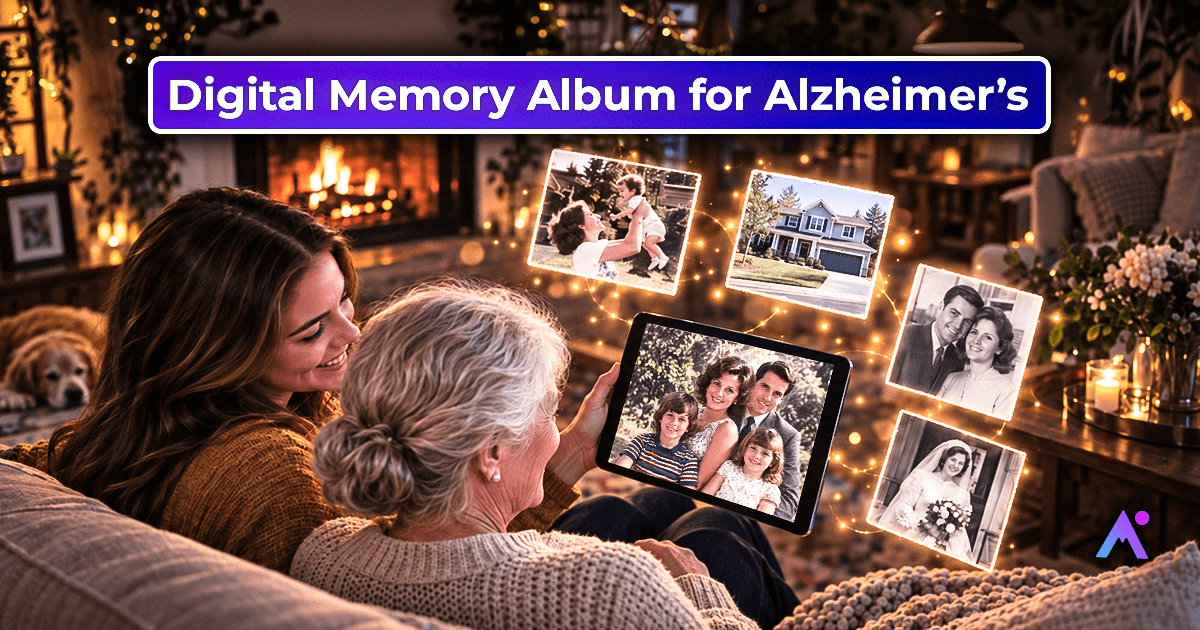
Animated memories can also be used for digital photo albums, family history projects, presentations, social media posts or personal mementos.
Why Animate Old Pictures?
There are many reasons why people want to bring old photos back to life.
Revisit Family Memories
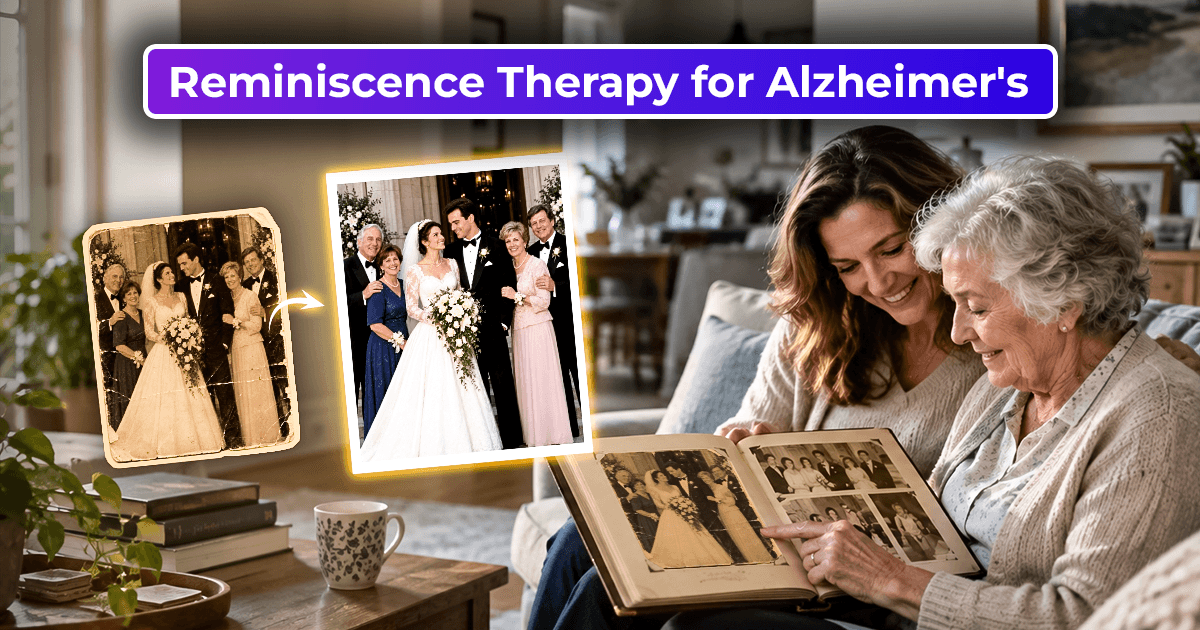
Old family photographs can show people and moments that are no longer part of daily life. By adding a subtle movement, those memories can be experienced in a whole new way.
Save Family History
Animated photographs could provide family history interest for future generations. Instead of just looking at a scanned photo, kids and grandkids can get a visual story that's created around the original photo.
Make Memorial Videos
A photo can be carefully animated to be included in a memorial or tribute video. Gentle motions can add emotion, while keeping the look of the original photo.
Post-Nostalgic Content
"Old photo animation is also popular on social media. A short video of a vintage family photo can be easily shared on platforms that favor video content.
Turn Pictures into Stories
A visual story of your family’s history can be told by combining several animated photographs. You can put together childhood pictures, wedding photographs, family gatherings and other important moments into a short memory video.
Bring Family Photos Alive with AI
One of the most significant uses of AI photo animation is to animate family photos.
Imagine finding an old picture of your grandparents and giving it a light animation, like a smile or a gentle movement. Or, create a short video from a childhood family photo that captures the feeling of that original moment.
Artificial intelligence is able to produce different types of movement according to the photograph and the animation model.
For group photos, tho, you need to keep the prompt simple. Sometimes too much motion can create unnatural results.
For example, don't ask the AI to make everyone walk, talk, dance, and wave at once, start simple:
“Everyone smiles gently, looking toward the camera.”
Simple movements can help preserve the look and character of the original photo.
Tips for Better Old Photo Animation Results
If you want high-quality results when you animate old photos online, the quality of your source image matters.
Use a Clear Photograph
Choose the highest-resolution version of your photograph whenever possible.
Avoid Heavy Cropping
A photograph that clearly shows the person's face and upper body can provide the AI with more useful information.
Restore Damaged Photos First
If your photograph has severe scratches, stains, tears, or fading, consider using an AI photo restoration tool before animating it.
Some modern tools combine restoration and animation workflows, allowing old or damaged photographs to be enhanced before motion is added.
Use Simple Prompts
Start with one or two movements rather than describing a complicated scene.
Good example:
“Gentle smile and natural blinking.”
Another example:
“The grandfather slowly turns his head and smiles.”
Keep Movement Natural
The goal of old photo animation is usually to preserve the feeling of the original photograph. Excessive movement can make the result look artificial.
Subtle animation often creates a more convincing effect.
What Types of Photos Can You Animate?
AI photo animation isn't limited to one type of image.
You can experiment with:
- Old family photographs
- Grandparents' portraits
- Wedding photos
- Childhood photos
- Baby pictures
- Vintage photographs
- Black-and-white photographs
- Historical portraits
- School photographs
- Couple photographs
- Pet photos
- Group family pictures
- Travel photographs
Portrait photographs are particularly suitable because AI animation models can focus on recognizable facial features and natural expressions. AI image animation tools can also animate family, pet, landscape, and other types of photographs.
Animate Old Photos vs. Creating a New Video
There is an important difference between traditional video creation and AI old photo animation.
Traditional video requires footage that was recorded when the event happened. An old photograph doesn't contain actual movement because it captures only one moment.
AI animation works differently. It uses the visual information contained in the photograph to generate plausible movement.
This means the resulting animation should be viewed as a creative interpretation of the photograph, not as an actual recording of what happened.
That distinction is especially important when working with historical photographs or precious family memories.
FAQs
Can I animate old photos online for free?
Yes. Some AI photo animation services offer free trials or limited free generations. Features and limits vary by platform.
Can AI animate damaged or blurry old photos?
AI can sometimes animate older or lower-quality photographs, but restoring or enhancing the image first can improve the final result. Some AI tools combine photo restoration with animation.
What is the best photo for AI animation?
A clear, well-lit photograph with visible faces and subjects generally provides a better starting point for animation.
Can I turn an old photo into a video?
Yes. AI image-to-video technology can transform a static photograph into a short video with generated movement.
Can I animate family photos?
Yes. Family portraits and group photographs are common use cases for AI photo animation. Simple prompts such as smiling, waving, or gentle head movement can help create natural-looking results.