Make Old Photos Come to Life with AI Photo Animation
Old photographs capture moments that deserve to be remembered. From childhood birthdays and family gatherings to wedding portraits and pictures of loved ones, every photograph holds a unique story.
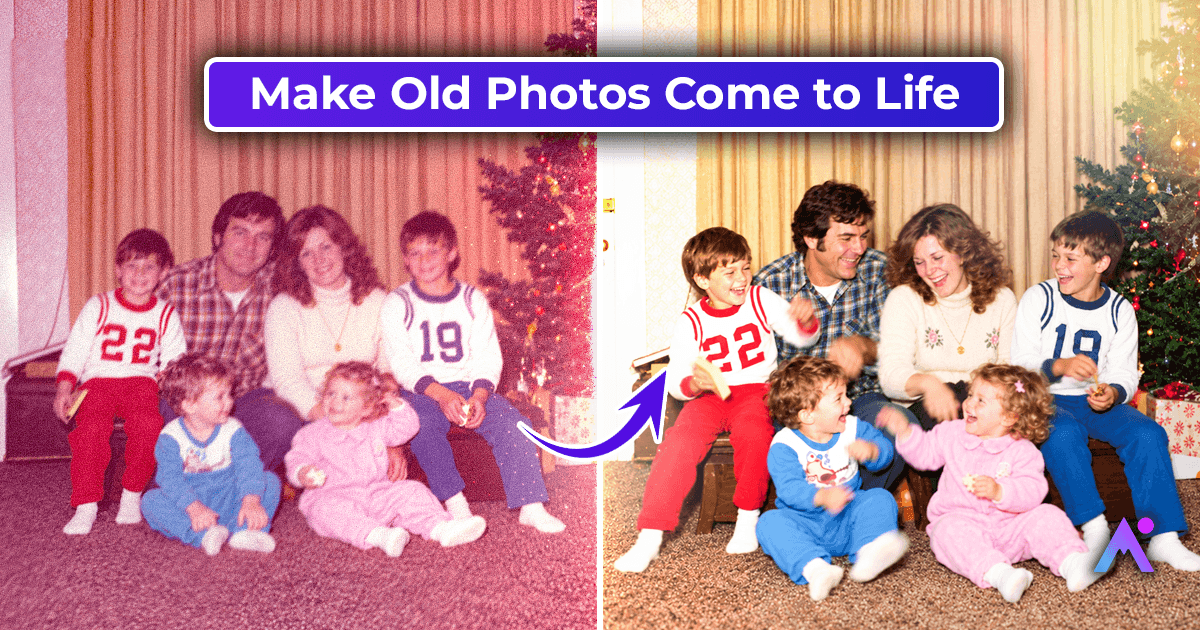
Today, AI technology makes it possible to make old photos come to life by transforming still images into short animated videos. Subtle movements, natural blinking, gentle smiles, and slight head movements can make familiar portraits feel more vivid.
With AI photo animation, you can revisit meaningful memories, create personalized keepsakes, and share old family photographs in a new format.
This guide explains how photo animation works, how to prepare your pictures, and how to animate old photos using Animate Memories.

What Does It Mean to Make Old Photos Come to Life?
Making old photos come to life means using artificial intelligence to add movement to a still photograph. The technology analyzes the visible features of an image and generates motion to create a short video.
Depending on the photograph and the tool, animation may include:
- Natural blinking and subtle eye movement.
- Gentle smiles and facial expressions.
- Slight head movements.
- Soft movement in the background or overall scene.
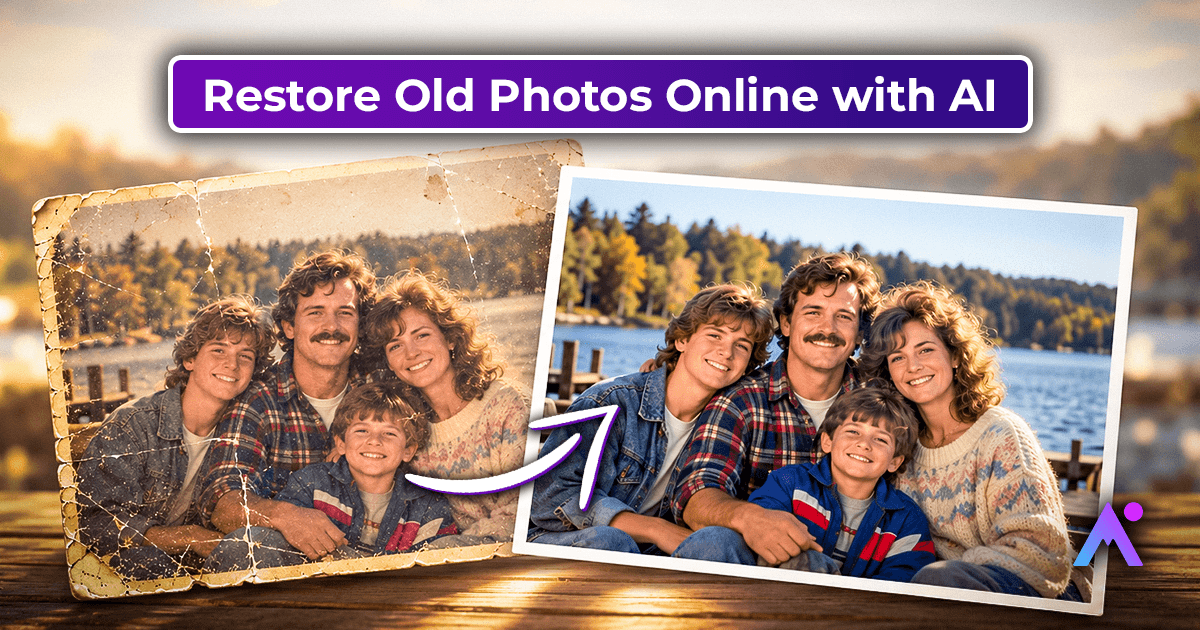
Photo animation differs from photo restoration. Restoration focuses on improving image quality, while animation adds movement to a still image. If your photograph is faded, scratched, or blurry, restore a digital copy first for a better result.
Why Animate Old Family Photos?
Reconnect with Family Memories
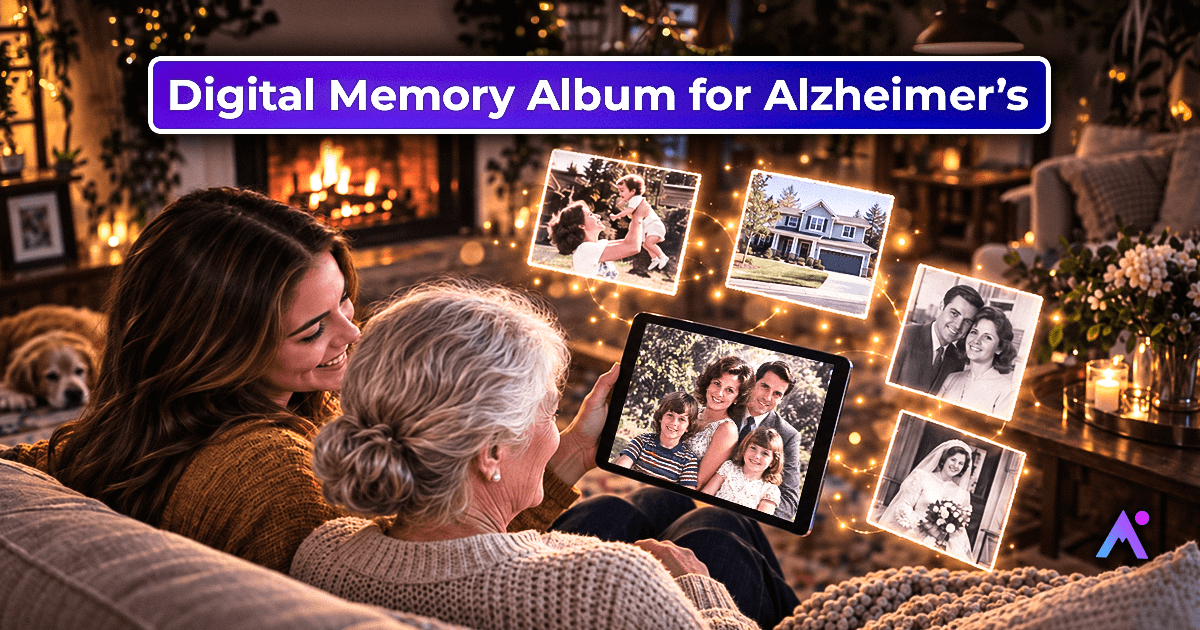
Old photographs can remind families of important people, places, and occasions. Animating a familiar portrait can create a new way to revisit those memories and encourage conversations between generations.
Create Personalized Gifts
An animated family portrait can become a thoughtful digital gift for birthdays, anniversaries, family reunions, or other meaningful occasions.
Preserve Memories in Digital Format
Animated photos can be saved alongside original scans and included in digital family albums, slideshows, or personal videos.
Share Special Moments
Instead of sharing only a static photograph, you can create a short animated clip that friends and family can watch and enjoy.
How to Make Old Photos Come to Life with AI
Follow these steps to make old pictures come to life as short animated videos. For more detail on each step, see our guide on how to animate an old photo.
Step 1: Choose a Clear Photograph
Select a photograph where the person's face is visible. Front-facing portraits and images with clear facial features give the most natural results.
Avoid photographs where faces are extremely blurry, too small, or heavily covered.
Step 2: Create a Digital Copy
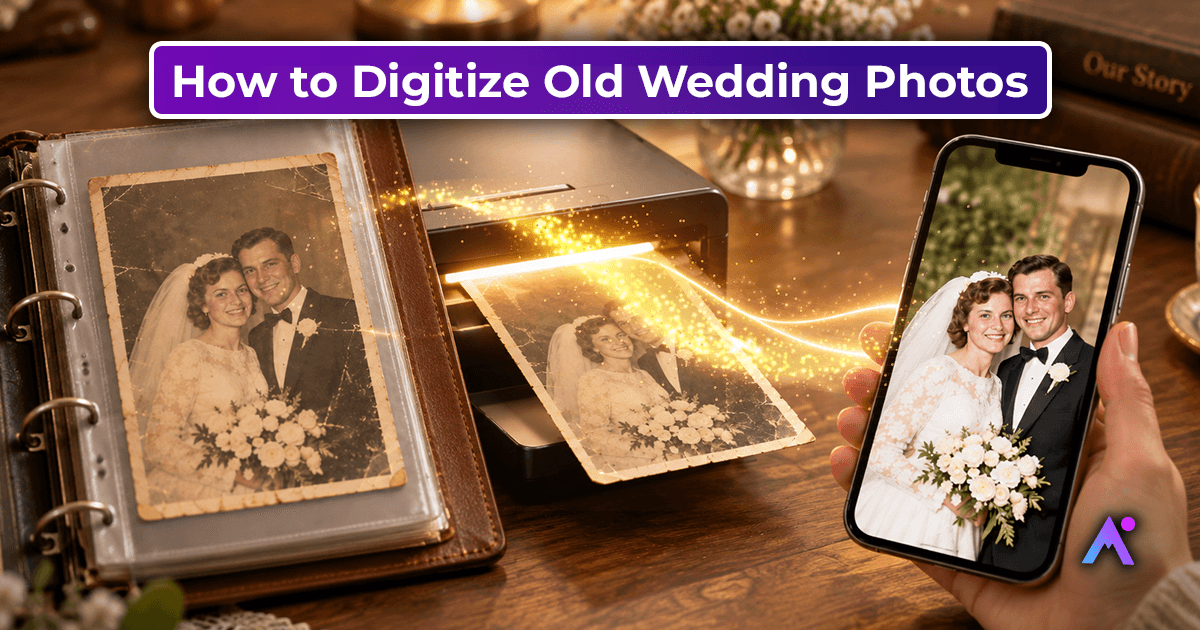
If you have a printed photograph, scan it at 600 DPI or higher. Alternatively, photograph it in even lighting, keeping the camera straight and avoiding glare or shadows.
Save an untouched copy of the original scan before making any edits. Our guide to digitizing old wedding photos compares scanners, scanning services, and phone apps.
Step 3: Restore the Photo if Needed
Old photographs may contain scratches, fading, stains, or blurred details. AI photo restoration can help improve some of these imperfections before animation.
Keep in mind that restoration results depend on the original image. Completely missing details cannot always be recovered accurately. For water stains and creases, follow our step by step guide to restoring water-damaged photos.
Step 4: Upload Your Photo to Animate Memories
Sign in to Animate Memories and open the Studio. Choose Animate, upload your photo, then pick a template or describe the movement you want in your own words. Choose the video length and quality; the credit cost shows before you generate (for example, a 5-second 720p video uses 4 credits).

Step 5: Generate the Animation
Generate your video and review the movement carefully. Look at the facial expressions, eyes, mouth, and overall appearance to check whether the result looks natural.
AI-generated movement may not perfectly represent how a person actually moved, so review the final result before sharing it.
Step 6: Save and Preserve Your Memories
Download your animated video and save it alongside the original photograph. Keep backup copies in a secure location so you can revisit and share the memory in the future.
Tips for Better AI Photo Animation Results
- Choose a clear image: Clear, front-facing faces produce the most natural results.
- Use high-resolution scans: Clearer images preserve more visible details.
- Restore damaged photos carefully: Fix fading and scratches before you animate.
- Prefer subtle movement: Gentle expressions often look more natural in vintage portraits. See more facial animation tips.
- Review the final video: Check for unnatural facial changes or unexpected details.
- Keep the original: Preserve the original photograph alongside the animated version.
Can You Animate Very Old Family Photos?
Yes, many old family photographs can be animated if enough facial detail remains visible. The results depend on image quality, facial angle, lighting, damage, and the AI tool being used.
If a photograph is severely faded or scratched, consider restoring a digital copy first. For fragile physical photographs, avoid applying household cleaning products or using heat to prepare them.
AI animation creates generated movement rather than recovering an original video of the person. For historical and family photographs, keeping the original image is important.
How to Preserve Animated Family Memories
After you animate a photograph, keep the original scan, any restored version, and the final video together.
Use descriptive filenames that include the person's name, event, or approximate date when known. Back up important files in at least two secure locations.
When sharing an animated photograph, explain that AI was used to create the movement. This helps family members distinguish the original historical image from the generated animation.
Ideas for Animated Family Photos This Holiday Season
Animated photos make simple, personal gifts and moments to share when families get together:
- Thanksgiving: play a grandparent's animated wedding portrait at the table.
- Christmas: give grandparents a video of their own childhood photo.
- Holiday cards: add a QR code that opens an animated family photo.
- New Year: share a moving photo from a past family celebration.
Pricing and Privacy
Animate Memories uses credits. You can buy a one-time credit pack or choose a monthly plan, and the Animate Memories app includes a 7-day free trial. See current plans and pricing. Your uploads are private and are deleted after 30 days.
Frequently Asked Questions
Can AI make old photos come to life?
Yes. AI photo animation tools can transform still photographs into short videos with generated facial or scene movement. The result depends on the image quality and the tool used.
How can I animate old photos online?
Create a digital copy of your photograph, upload it to Animate Memories, generate the video, and review the result before downloading it. Our guide to animating old photos with AI covers each step.
Can I animate black-and-white photographs?
Yes, many tools can animate black-and-white photographs. Colorization is a separate process, so adding color is optional.
Will an animated photograph look exactly like the real person?
Not necessarily. AI generates movement based on the visible image and may introduce expressions or details that were not present in the original. Always compare the result with the source photograph.
Should I restore old photos before animating them?
If the photograph has significant fading, scratches, or blur, restoring a digital copy first may help. Clear photographs may be ready for animation without additional restoration.
Can I share AI-animated family photos online?
Yes, but consider privacy, consent, and the sensitivity of the photograph before sharing it publicly.
Bring Your Favorite Memories to Life
Every old photograph holds a moment worth remembering. AI photo animation offers a creative way to revisit those moments by turning still portraits into short moving videos.
By choosing a clear photograph, preparing it carefully, and reviewing the generated animation, you can create a digital keepsake to share with your family and preserve for years to come.
Ready to make old photos come to life?